
Coming Soon · iPhone & iPad
Give an object a place to return to.
Object Catalog scans a small real object into a textured 3D model on a supported iPhone or iPad, asks you to name it, and keeps it on a shelf you can come back to. It is in pre-release.
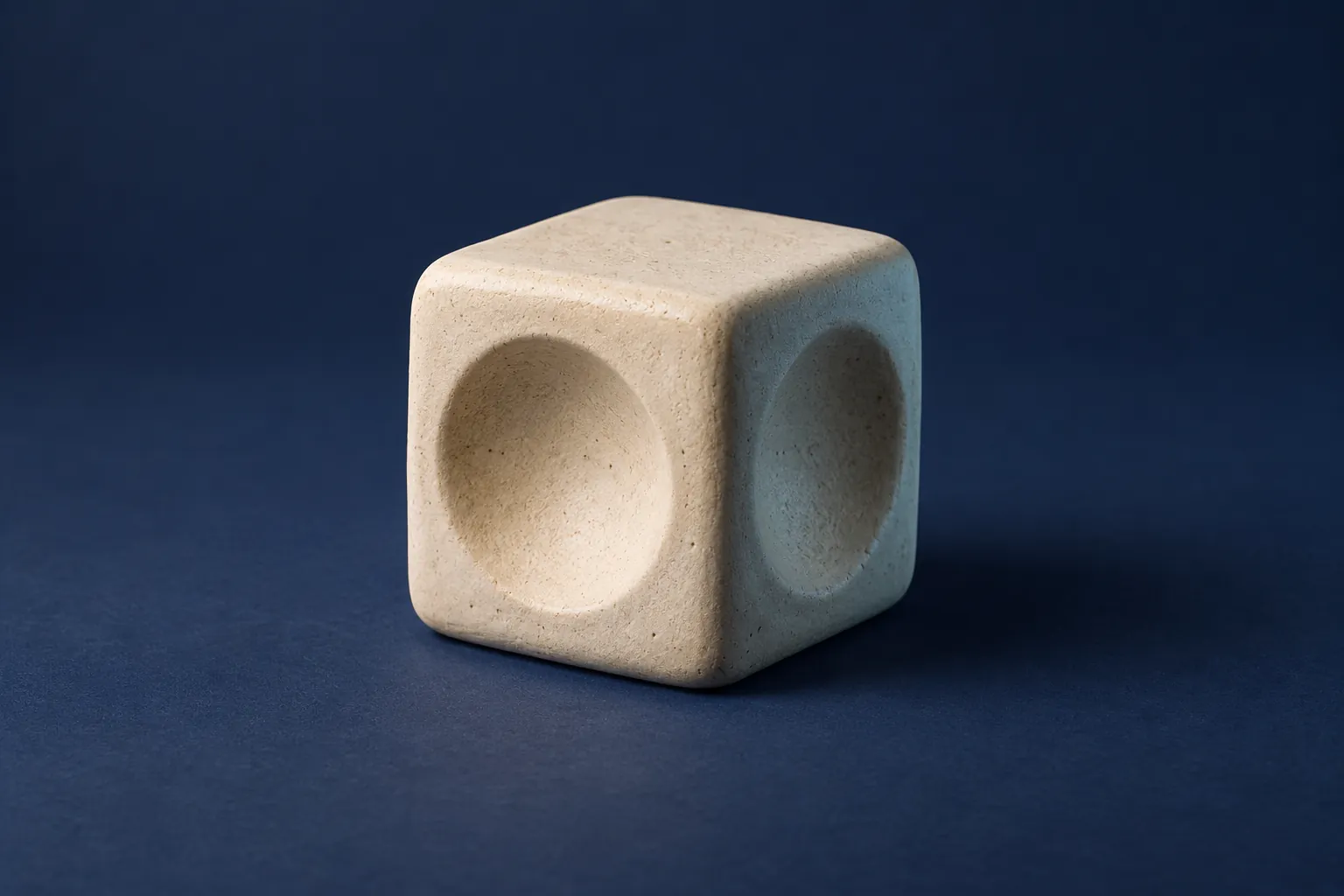
The day after the scan.
- Capture around it Guided Object Capture with the camera and LiDAR. As you move, the app prompts one thing at a time:
- “Move more slowly”
- “Move closer to the object”
- “Move farther from the object”
- “Keep the object inside the guide”
- “Add soft, even light”
- “The scene is too dark”
- Build it on the device The model is built locally from your images, in six stages you can watch beside a running percentage:
- Preparing images
- Aligning images
- Generating points
- Building mesh
- Applying texture
- Optimizing model
- Give it a name When the model is ready the app asks for one: “Give it a distinct name before saving.” Up to 60 characters, and no two objects can share a name.
- Return to the model The shelf keeps each object with its capture date. Open one to see the saved USDZ model in the system’s 3D preview, offline. That preview’s own Share button can copy the file or save it to Files.


Pre-release build 26.0.0 (4) in the iPhone 18 Pro and 11-inch iPad simulators, captured 11 October 2026, with sample records the app generates for testing. Their tiles and models are placeholders, not scans; scanning needs a device with LiDAR. It may change before release.
What makes a good scan.
- The object
- One small, stationary object. Keep people and reflective surfaces out of view. Things with surface detail scan best; shiny, see-through and very thin things scan poorly. That is Apple’s own advice for Object Capture, the technology underneath.
- The light
- Even and diffuse. The app says so when the scene is too dark.
- The pass
- Move slowly all the way around. At least ten images are needed before a model can be built.
- The model
- A textured USDZ file. Object Capture builds it on the device at its reduced detail level, the only one Apple offers on iPhone and iPad.
- If it stops
- An interrupted scan keeps its images so you can resume. A failed one removes its unfinished files and leaves saved objects untouched.
Before the collection begins.
Not yet available to download.
- Devices
- Scanning needs iOS or iPadOS 18 or later, LiDAR and an A14 Bionic chip or later, with at least 1 GB of free storage.
- Free
- Scanning, and three saved objects.
- Lifetime Access
- Unlimited saved objects, as a one-time purchase with no subscription. Not available yet.
- Your scans
- Images, models, previews and names stay on your device and are not uploaded to Crafter Apps. There is no account to create. Camera access is requested only when you start a scan.
- Not in this build
- A share, rename or delete button of the app’s own, importing models, and any cloud library or sync. A model leaves the app only through the system preview’s Share button.
Questions about Object Catalog? Object Catalog support · Privacy details