
Coming Soon · iPhone & iPad
Let the show call the cue.
AudioCue listens for your show’s own recording through the microphone and shows the cue card you wrote for the moment it hears. Nothing is connected to whatever plays the recording. Recognition runs on the device, with no network at showtime. It is in pre-release.

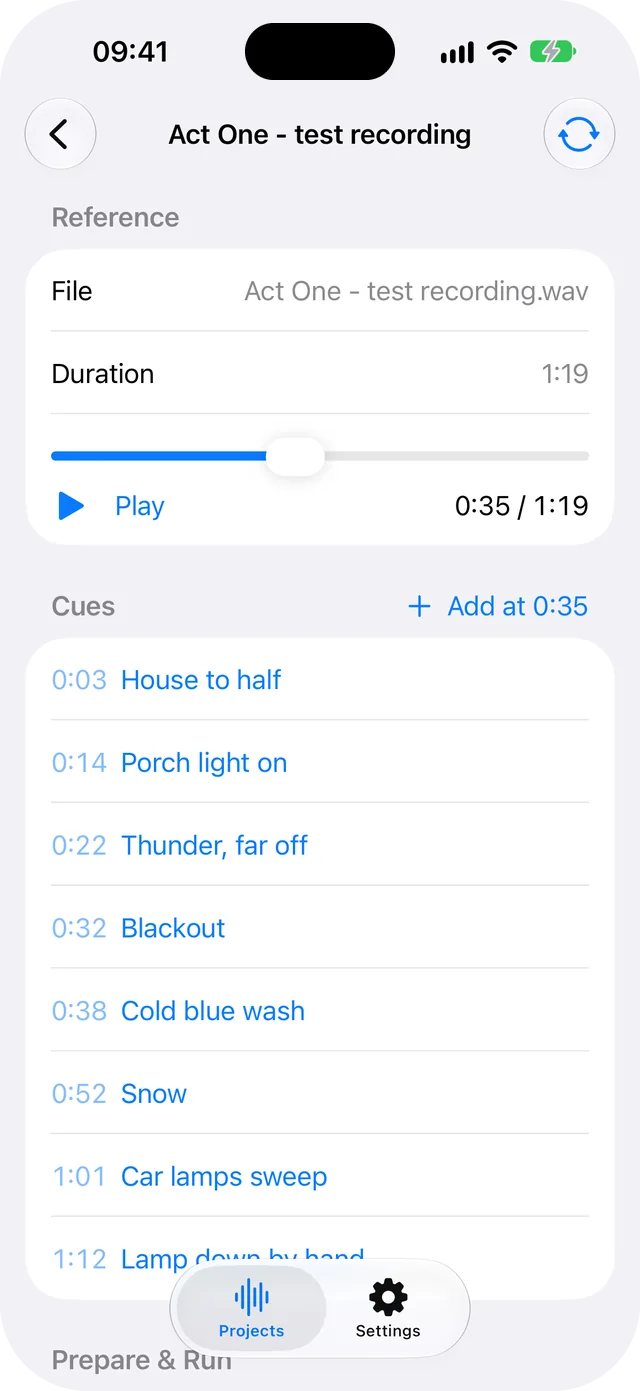
- 0:03 House to half
- 0:14 Porch light on
- 0:22 Thunder, far off
- 0:32 Blackout
- 0:38 Cold blue wash
- 0:52 Snow
- 1:01 Car lamps sweep
- 1:12 Lamp down by hand
From your audio to the moment.
- Prepare Import one audio recording you own or have the right to use, play it, and add a cue card at each moment that matters.
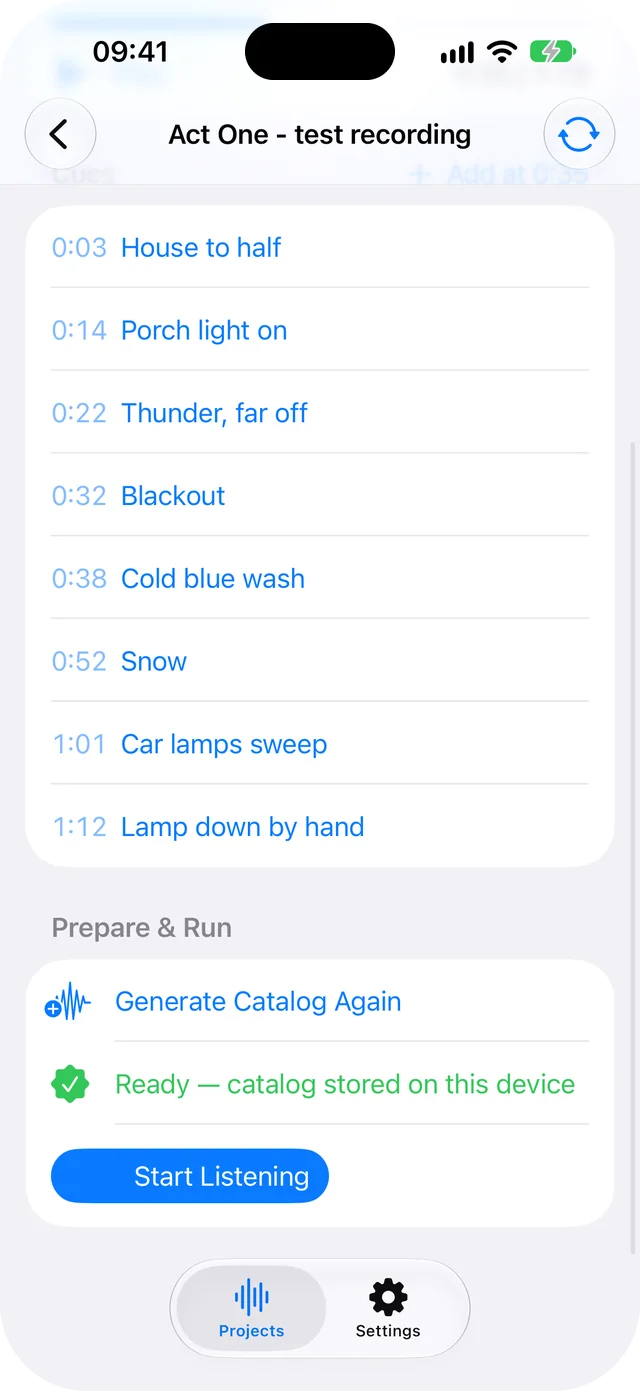
- Build AudioCue turns that recording into a match catalog and stores it on the device. For this recording the catalog is about 16 KB.
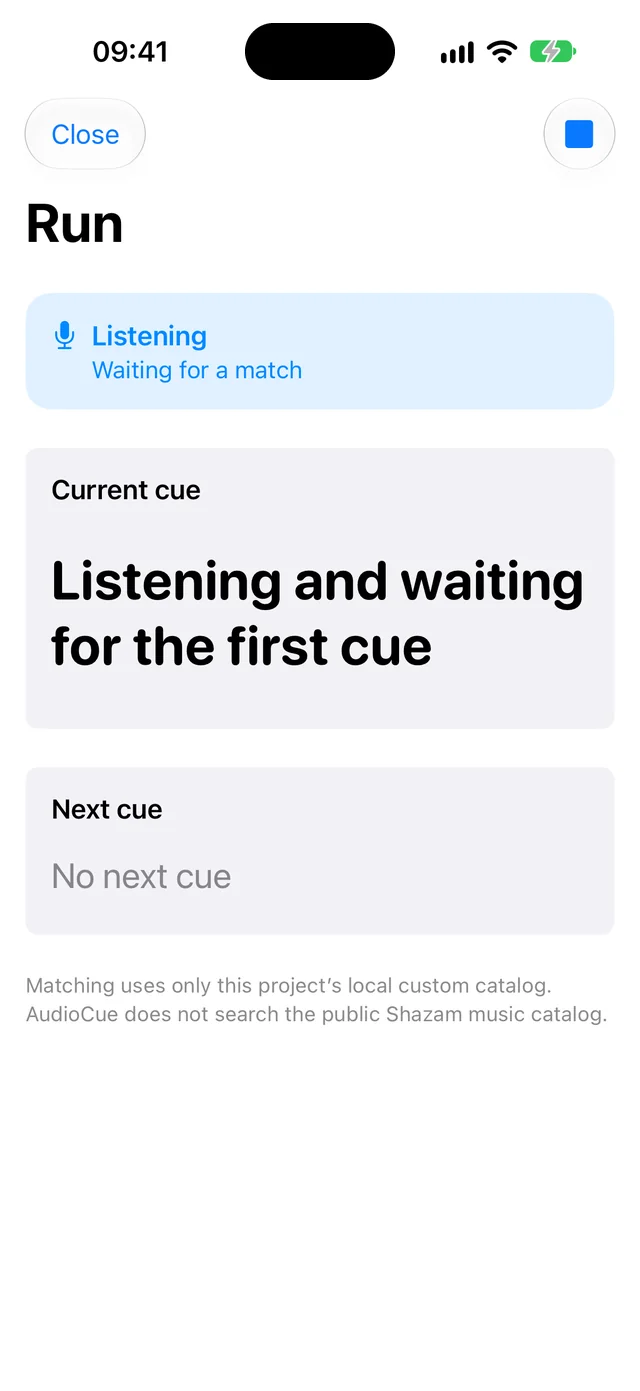
- Listen Start the microphone yourself. What it hears is matched in memory against your catalog and never saved.
- Follow When the show reaches a recognised moment, the current cue is on screen with the next one under it.
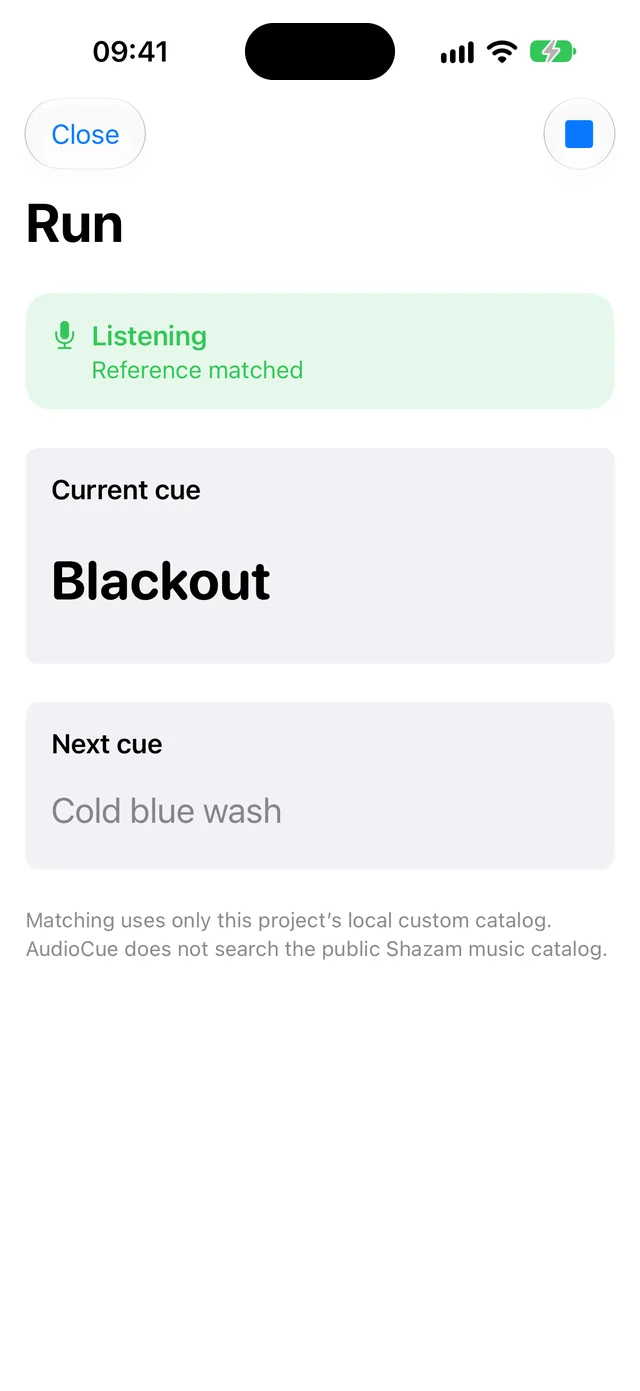


Screens from the pre-release build on 11 October 2026, with a test project: a 79-second recording made for this page, a synthetic voice over tones, and eight cue cards. The two Run screens were set to their state for the capture; the microphone was not used. The app may change before release.
How late is a cue card?
In a file test of the pre-release build, each card came up between 0.7 and 2.3 seconds after its mark, 1.6 seconds on average. The place in the recording was known to within 0.12 seconds on average. A card changes only when a new match arrives, and matches arrived about every 1.5 seconds.
| Card | Marked | On screen | Behind |
|---|---|---|---|
| House to half | 0:03.0 | 0:04.0 | 1.0 s |
| Porch light on | 0:14.0 | 0:16.3 | 2.3 s |
| Thunder, far off | 0:22.0 | 0:23.4 | 1.4 s |
| Blackout | 0:32.0 | 0:33.6 | 1.6 s |
| Cold blue wash | 0:38.0 | 0:38.7 | 0.7 s |
| Snow | 0:52.0 | 0:54.1 | 2.1 s |
| Car lamps sweep | 1:01.0 | 1:03.3 | 2.3 s |
| Lamp down by hand | 1:12.0 | 1:13.5 | 1.5 s |
- Started in the middle
- Played from 0:30 instead of the start, it had the place after 0.9 seconds.
- A jump
- The recording skipped from 0:18 to 0:52. The right card, Snow, was on screen 1.3 seconds later.
- A worse copy
- Narrowed to a small speaker’s range, with echo, added noise and half the volume: the first match took 2.0 seconds, and five cards came up between 0.2 and 2.6 seconds after their marks.
- A copy playing 3% fast
- Still followed, five cards out of five.
- A different recording
- Twenty seconds of other speech: no match and no card.
This was a file test, not a room. It ran the build’s own catalog and cue code with Apple’s ShazamKit matcher on a Mac, with the audio fed in as a file at normal speed. No loudspeaker, microphone or audience was involved, and a real room has not been measured. Until one has, place a mark a couple of seconds before the moment it is for.
What it can and cannot hear.
- The same recording
- It follows a show that runs to a recording: a dance recital, a school play with a soundtrack, a rehearsal track. It recognises the recording you imported when that recording is played aloud. A live performance of the same music is a different sound and is not expected to match.
- Only your catalog
- Matching uses the project’s own catalog. AudioCue does not search the public Shazam music catalog.
- A moment to lock on
- Recognition needs a little audio before it knows where the show is, at the start and after a jump. Until then the screen says it is waiting for a match. This is not a promise of perfect recognition in every room.
- A card, not a controller
- The cue is shown to a person. AudioCue does not operate lights, sound or anything else.
- In the foreground only
- Listening stops when you leave the app, when another sound interrupts, or when the audio route changes.

Listening has a boundary.
The microphone is on only after you start it, on a screen that says it is listening, and AudioCue explains what it is for before iOS asks. The audio is matched in memory and never saved or uploaded. Your reference recording, cue cards and catalog stay on the device. Apple says of ShazamKit, which does the matching, that audio is not shared with Apple and that a signature cannot be turned back into audio.
What’s free, and what does Lifetime Access add?
The free app covers one complete project with unlimited cues, catalog generation and listening. Lifetime Access is a one-time purchase with no subscription that adds unlimited projects. Neither is available yet.
Can it run a live show on its own?
Keep a backup. In the file test a card trailed its mark by up to 2.3 seconds, and no real room has been measured. AudioCue assists with rehearsal and show-cue preparation. It isn’t a safety-critical or guaranteed real-time system.
When can I download it?
Not yet. AudioCue is in development, with no App Store listing, price or promised release date.
Questions about AudioCue? AudioCue support · Privacy details