Sketch with real tools
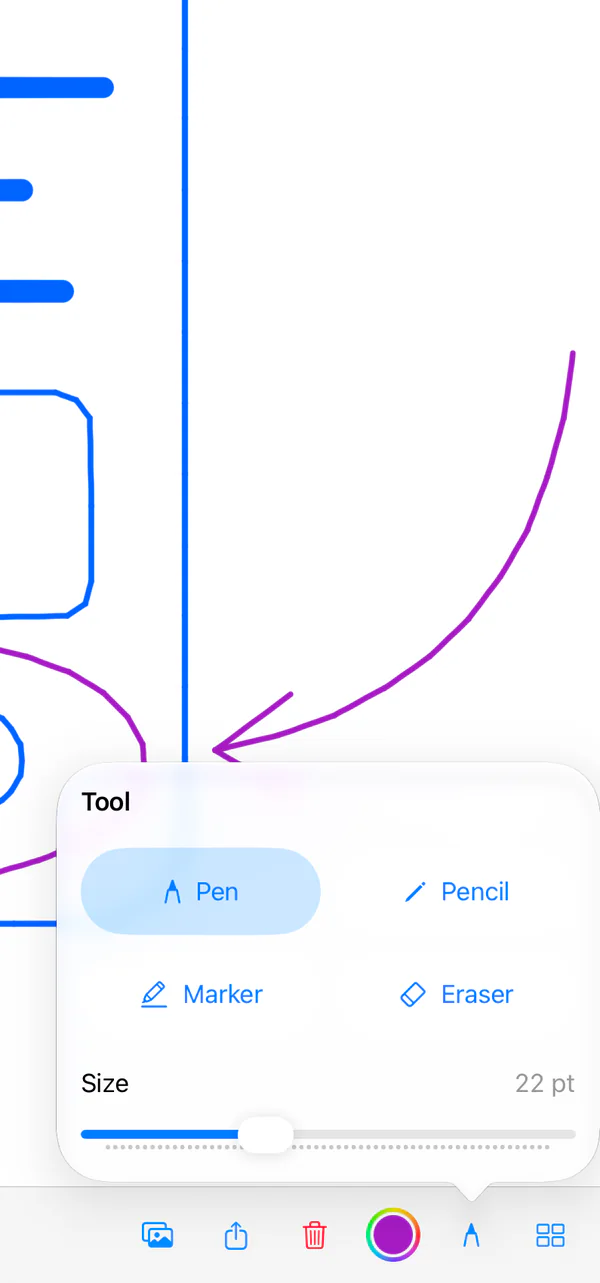
Pen, pencil, marker, and an eraser that lifts a whole stroke. Any colour from the system picker, one Size slider, and a marker that lets what is underneath show through. Apple Pencil works on supported iPads.
Crafter Draw is a free sketchpad for iPhone and iPad. Draw with a finger or Apple Pencil, mark up one image, and keep each drawing as its own file in the Files app. No account, ads or tracking.

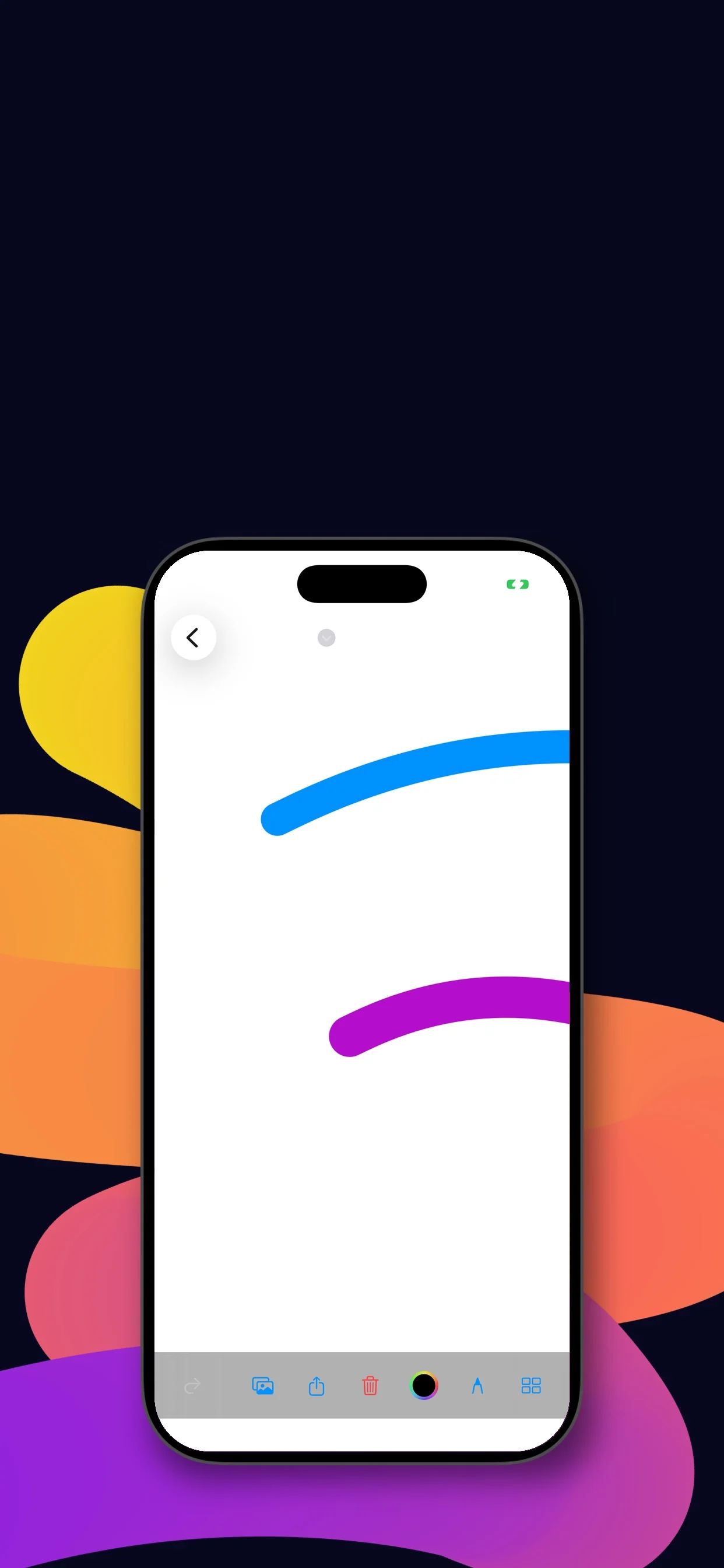
Share sends one flattened picture of the canvas. The drawings themselves are documents in the Files app.
Pen, pencil, marker, and an eraser that lifts a whole stroke. Any colour from the system picker, one Size slider, and a marker that lets what is underneath show through. Apple Pencil works on supported iPads.
Undo and redo every stroke. Clear asks first, leaves an imported image in place, and can itself be undone.
Share one flattened picture of the canvas: copy it, print it, send it to another app, or save it to Files as a PNG.

Every drawing saves itself as a file. These two are the ink sampler below, 9 KB, and an image with marks on it, 318 KB. Open either and the strokes are still strokes.
One Size slider serves every tool, from 1 to 60, and each ink answers it in its own way. These twelve strokes were drawn with a finger, at an even pace, in Crafter Draw 1.0 on iPad, with the slider at 1, 20, 40 and 60.
Widths are measured from the capture, in points. With Apple Pencil, PencilKit also reads the pencil’s pressure and angle.



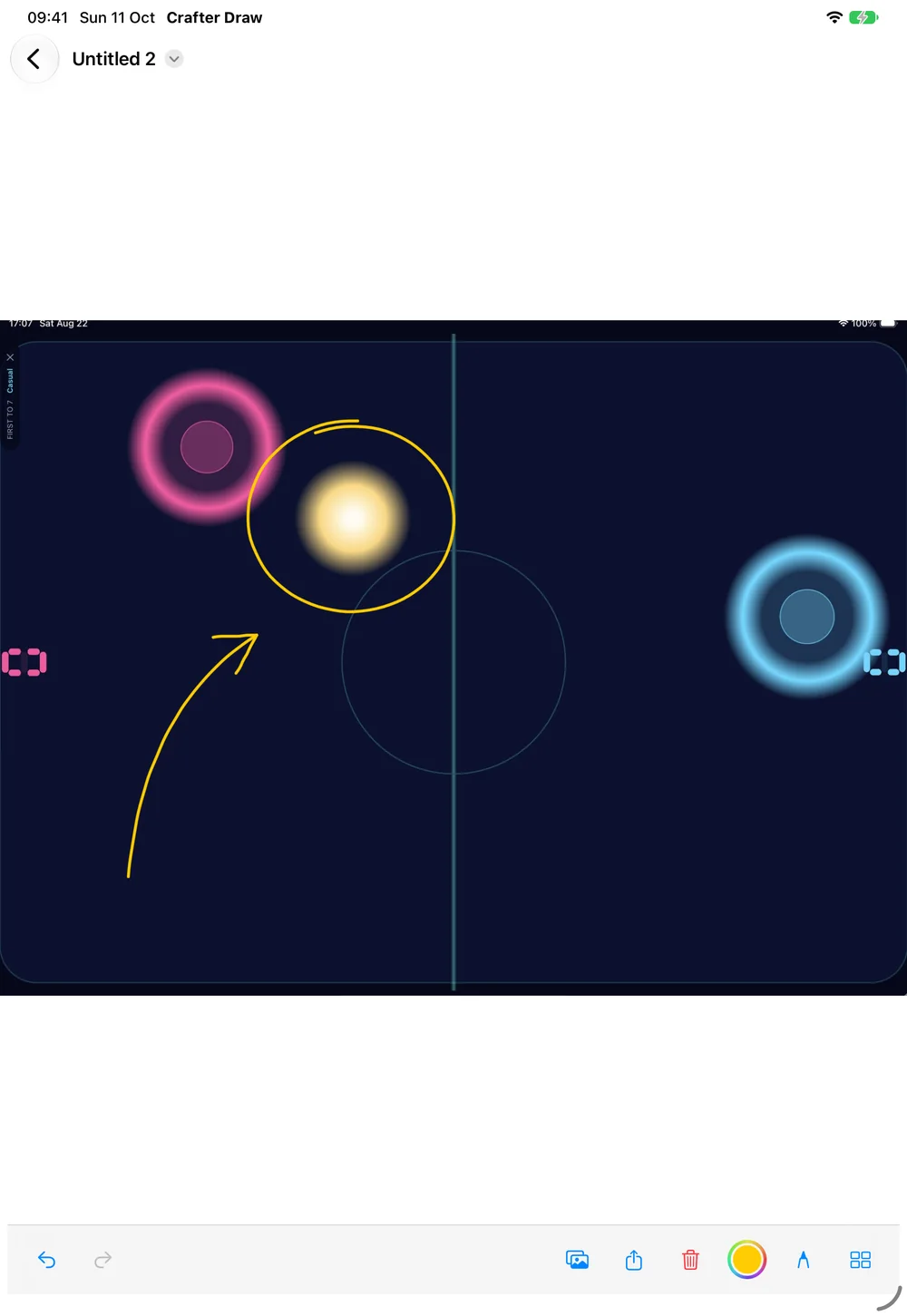
Drawing, image markup, saving and reopening, and image export are free, with nothing to buy inside the app. No account, ads, tracking or cloud setup.
It is a sketchpad, not an illustration suite, and it leaves these out on purpose:
Yes, on iPads that support Apple Pencil. You can also draw with your finger on iPhone and iPad.
Each drawing is a .tinydraw document in the Files app. A new one starts in the Crafter Draw folder on your device, and you can move it wherever you keep files. Crafter Draw has no account or cloud service of its own, and nothing is uploaded to Crafter Apps.
Crafter Draw’s editable document. It is a small package with up to three parts: manifest.json for the canvas settings, drawing.data for your strokes and, if you imported an image, markup-image.png. The twelve-stroke ink sampler on this page is a 9 KB file.
Yes. Apple’s photo picker gives Crafter Draw only the one image you choose, and you can pick an image from Files instead. The app doesn’t ask for access to your photo library or camera.
Yes. Crafter Draw has no in-app purchase, no ads and no account.
No. The drawing keeps its own copy of the image and your strokes sit on top of that copy. The photo in your library, or the file you chose, stays as it was.
No. The canvas is the size of your screen, with one layer of ink over an optional image. There are no text, shape or ruler tools.
It removes a whole stroke at a touch, not part of a line. Undo brings the stroke back.
It depends on the ink. Drawn with a finger at an even pace, the marker runs from about 7 to 57 points wide, the pencil from a 2-point hairline to about 12 points, and the pen from 3 to 5 points, a little more on a fast flick. The Size slider itself reads 1 to 60 for every tool.
One flattened picture of the canvas, the image and the strokes together on a white page, at your screen’s resolution. It goes to the share sheet, where you can copy it, print it, send it to another app, or save it to Files as a PNG.
Not in one step. Crafter Draw has no permission to write to your photo library, so its share sheet has no Save Image. Save the picture to Files, then share it from Files and choose Save Image, or copy it and paste it where you need it.
No. It is Crafter Draw’s own format: a small package holding the ink and the image. To use a drawing somewhere else, share it as a picture.
The file opens on both, but a drawing fits the screen it was made on. Strokes keep their distance from the top-left corner, so on a smaller screen whatever lay beyond its edges is out of view, and an imported image is fitted again to the new screen, so marks drawn over it no longer sit where you put them. Turning the device changes the page in the same way. Open the drawing on the first device, the same way up, and everything is where you left it.
Drawings in the Crafter Draw folder on your device are deleted with it, as iOS does with any app’s folder. Drawings you moved somewhere else in Files are not in that folder and stay, though you need Crafter Draw again to open them. Share a picture of anything you want to keep without the app.
iPhone and iPad with iOS 15.2 or iPadOS 15.2 or later. That reaches back to an iPhone 6s and to an iPad Air 2, iPad mini 4 or iPad (5th generation). Those three iPads are on none of Apple’s Apple Pencil lists, so on them you draw with a finger; on iPads that support the Pencil, it works.
Also takes just the one photo you pick through Apple’s picker, then turns it into a sliding puzzle.

Another finger-first canvas for iPad: tap and drag to paint with light instead of ink.
Prices vary by country; the App Store shows your local price.
Crafter Draw support and purchase help
Designed and built by Daniel, an independent Apple developer. Every release is listed in the changelog.