Tap. A little light appears.
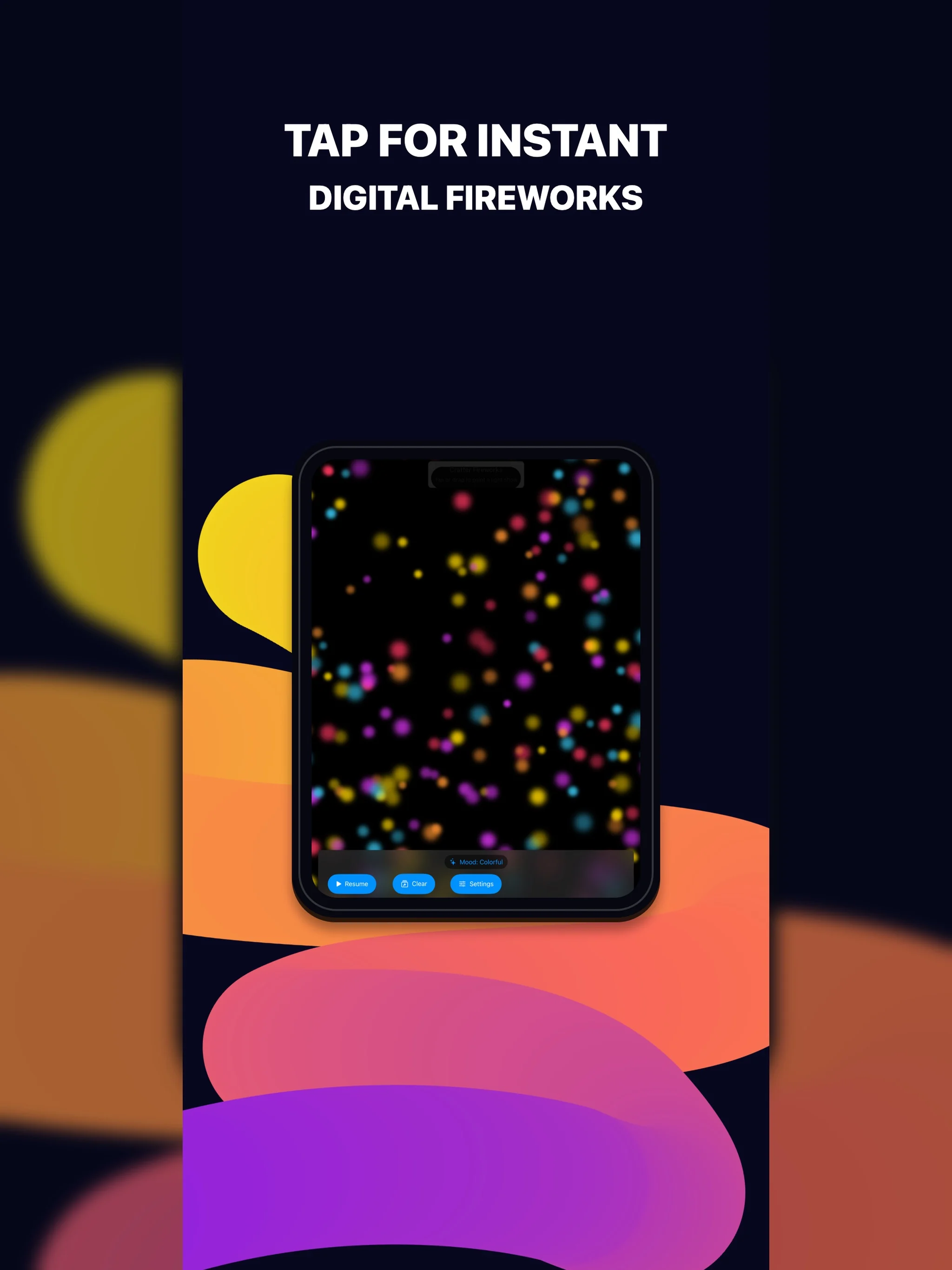
Crafter Fireworks is a silent light-show toy for iPad. Tap the dark canvas for a burst, drag to paint trails, pick one of four moods, and pause or clear whenever you want a calmer screen.

At a glance
- Devices
- iPad
- Requires
- iPadOS 15 or later
- Price
- Free download · Lifetime Access $4.99 · One-time purchase · No subscriptionUS App Store price, checked October 11, 2026 · Family Sharing included
- Free version
- Tap and drag play, all four moods, pause, clear and Reduce Motion
- Languages
- 44
- Your data
- Your mood and preferences stay on this iPad. Nothing is uploaded, and there is no account.
- Version
- 26.0.0 · updated
Four moods, all free.
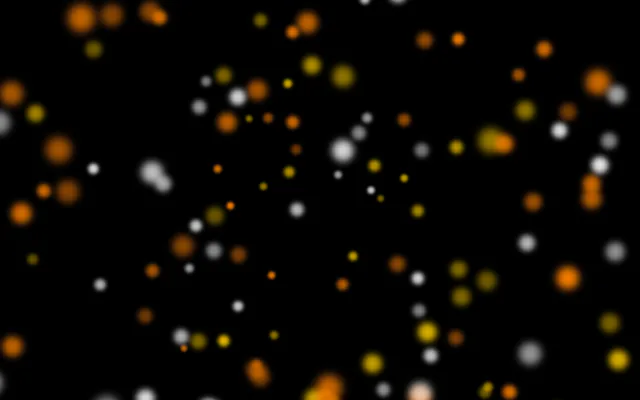
Classic
80 sparks a tap, each lasting 1.1 to 2.2 seconds, at full force.
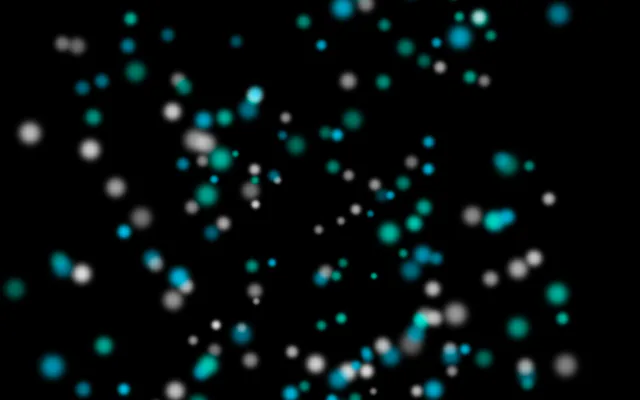
Sparkle
110 sparks a tap, gone in 0.75 to 1.55 seconds.
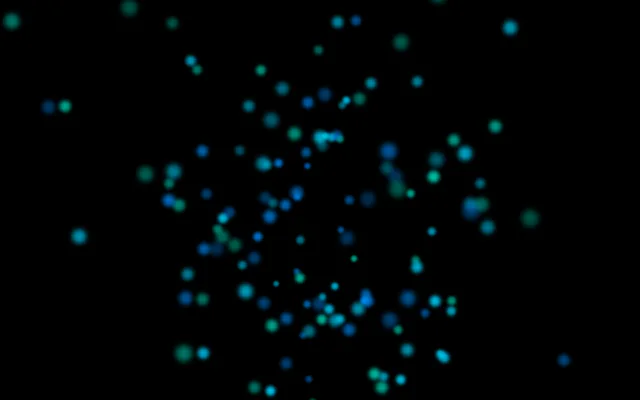
Calm
46 sparks a tap at about half the force, drifting for 1.8 to 3.2 seconds.
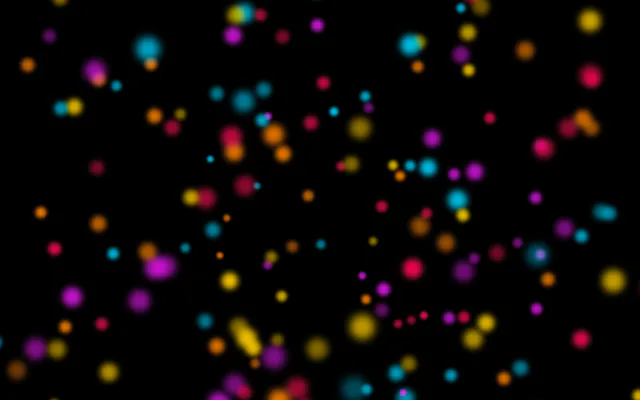
Colorful
96 sparks a tap in five colours, lasting 1.2 to 2.4 seconds.
Each tile is the same three taps in the app, paused, in that mood on iPad.
Drag, and the light follows.
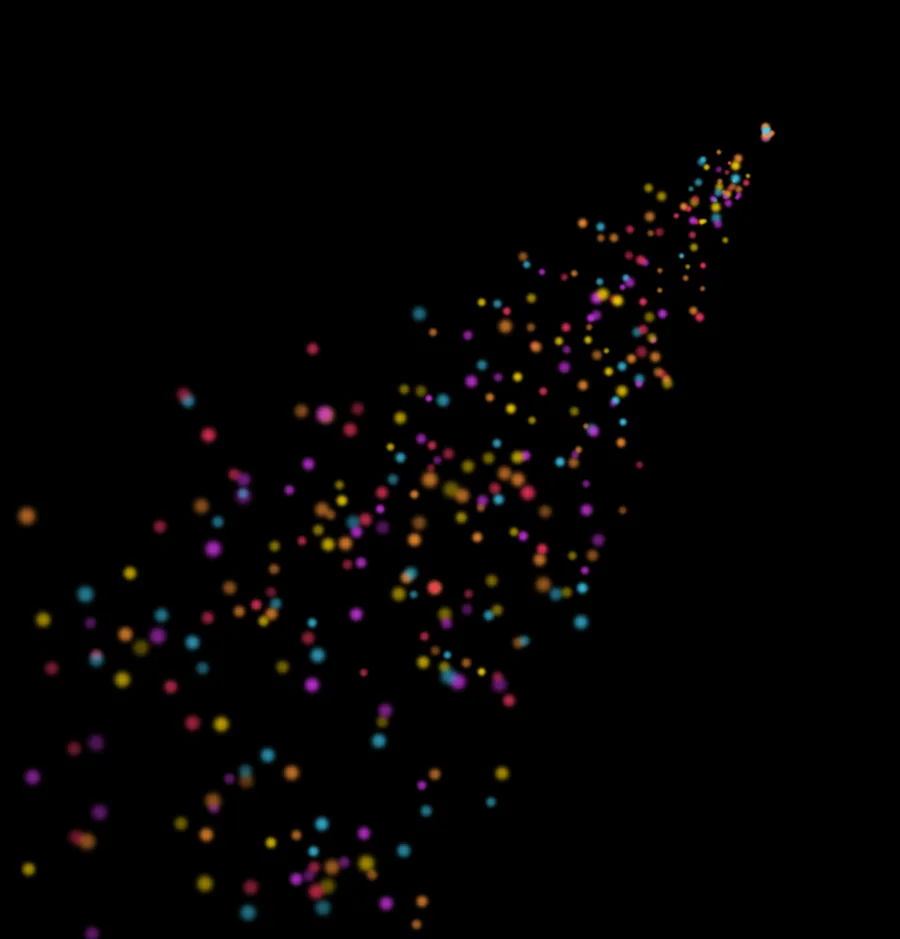
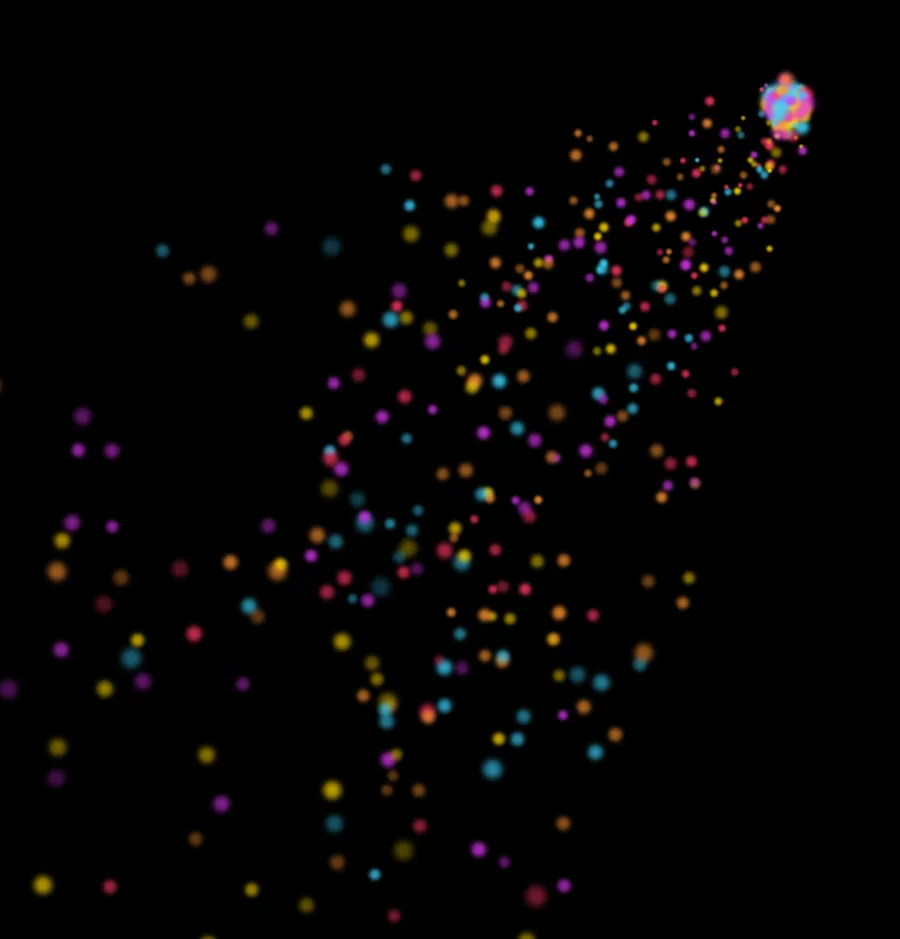
A drag leaves a trail of smaller bursts behind your finger, about twenty a second. Where you lift it, a full burst opens.
Calmer whenever you want.
- Pause
- Every spark stops where it is. Resume, and each carries on with the time it had left.
- Clear
- Empties the sky at once.
- Reduce Motion
- With the iPad’s Reduce Motion setting on, a tap makes half as many sparks at about half the force, trails come about a third as often, and the sky holds 220 sparks instead of 500.
Who it’s for.
Anyone with an iPad who wants a quick, calm light show: a child with a parent nearby, a quiet room, or a fireworks night spent indoors, whether that is Bonfire Night, Diwali, the Fourth of July or New Year’s Eve.
- iPad only
- Built for iPad, with iPadOS 15 or later.
- Silent
- The app plays no sound at all, in any mood. There is nothing to mute.
- Rated 4+
- That’s its App Store age rating. There are no ads, links, accounts or chat anywhere in the app.
- Four controls
- Mood, Pause, Clear and Settings sit along the bottom. The only purchase is behind Settings, and Apple asks for confirmation before any charge.
- One finger at a time
- The canvas follows a single touch, so two children take turns.
- Staying in the app
- To keep a child inside it, use Guided Access, built into iPadOS: it holds the iPad on one app and can switch off parts of the screen, such as the row of controls.
The particle lab.
Lifetime Access opens a second way to play: a steady stream of sparks you tune yourself, in the colours of the current mood, running under your taps.
- Stream
- From 0 to 500 new sparks a second, each living from a quarter of a second to 100 seconds.
- Place
- Anywhere on the canvas or just off its edge, as a point, a line or a whole area.
- Motion
- Direction and spread in degrees, speed, and how much each spark varies.
- Look
- Size, opacity and rotation, each with a range and a rate of change, so sparks can grow, fade or spin as they travel.
- Light
- Blend overlapping sparks, so crossings glow brighter.
The lab is a list of steppers, not saved presets: it starts fresh each time you open the app.
Digital light only.
No ads, tracking, accounts or social feeds. Crafter Fireworks is a visual toy, not a fireworks planner, fuse calculator, safety guide or outdoor launch tool.
Questions
Does it work on iPhone?
No. Crafter Fireworks is built for iPad and needs iPadOS 15 or later.
Does it make sound?
No. Crafter Fireworks has no audio at all, so there is nothing to mute and it stays silent whatever the iPad’s volume is set to.
Is it suitable for children?
It’s rated 4+ on the App Store and has no ads, accounts, chat or social features. The only purchase is optional Lifetime Access, which Apple handles.
What’s free, and what does Lifetime Access add?
Tap and drag play, all four moods, pause, clear and the calmer Reduce Motion behavior are free. Lifetime Access opens the particle lab: a steady stream of sparks with controls for how many appear, where, how long they live, their direction, speed, size, opacity, rotation and blending. It’s a one-time purchase with no subscription, and Family Sharing is included.
Can I save or export a light show?
No. It’s a live canvas: it doesn’t save shows, export video or share to a cloud. The particle lab’s settings also reset when you close the app.
Does it play by itself?
No. Nothing appears until someone touches the screen, and the sky is dark again a few seconds after the last touch. There is no auto-play, show mode or screensaver, and no switch-access mode. With Lifetime Access, the particle lab can run a steady stream of sparks that continues until you stop it.
Is it safe for someone who is sensitive to flashing light?
That can’t be promised. Every tap is a burst of bright sparks on a black screen, and how often they come is up to whoever is tapping. The Calm mood makes fewer, slower sparks, Reduce Motion halves them again, and Pause freezes the screen. The app has not been tested against photosensitive-epilepsy guidelines, so if flashing light is a known trigger, ask a clinician first.
Can two children play at once?
They take turns. The canvas follows one finger at a time: a tap makes a burst and a drag paints a trail.
How do I keep a child inside the app?
Use Guided Access, which is part of iPadOS. It holds the iPad on one app and can switch off areas of the screen, such as the controls along the bottom. Apple explains how to set it up.
What does Reduce Motion change?
With the iPad’s Reduce Motion setting on, each tap makes half as many sparks at about half the force, trails come about a third as often, sparks fade sooner, and the sky holds 220 sparks instead of 500.
Pairs well with
A touch theremin: move a finger across the screen to play sound instead of light.
Another finger-first canvas, made for sketching and marking up one image.
Availability
Tap and drag play, all four moods, pause and clear are free. Optional Lifetime Access opens the particle lab: a steady stream of sparks you tune by rate, place, direction, speed, size, opacity, rotation and blending.
- Devices
- iPad
- Download
- Free to download
- Purchase options
- Lifetime Access · One-time purchase · No subscription
Prices vary by country; the App Store shows your local price.
Crafter Fireworks support and purchase help
Designed and built by Daniel, an independent Apple developer. Every release is listed in the changelog.