Habits, without the guilt.
Done is a habit tracker for iPhone and iPad. Track yes/no, duration and count habits on the days that suit you, and with Lifetime Access let Apple Health complete the ones it can measure.

At a glance
- Devices
- iPhone · iPad
- Requires
- iOS 18 and iPadOS 18 or later
- Price
- Free download · Lifetime Access $24.99 · One-time purchase · No subscriptionUS App Store price, checked October 11, 2026 · Family Sharing included
- Free version
- A limited number of habits, with every habit type, schedule and statistic
- Languages
- 44
- Your data
- On your device, with iCloud sync when you have Lifetime Access. No account, ads or analytics.
- Version
- 26.0.6 · updated
Works with
- Siri & Shortcuts
- Home Screen widgets
- Control Center
- Live Activities
The medium and large widgets, which check off habits, come with Lifetime Access, as do Apple Health, Screen Time blocks and iCloud sync.
Ask Siri: Mark Read as done in Done
· Log Drink Water in Done
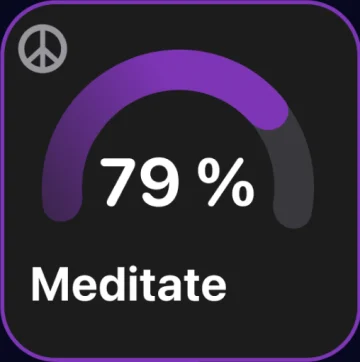
· Start Meditate timer in Done
A missed day is information.
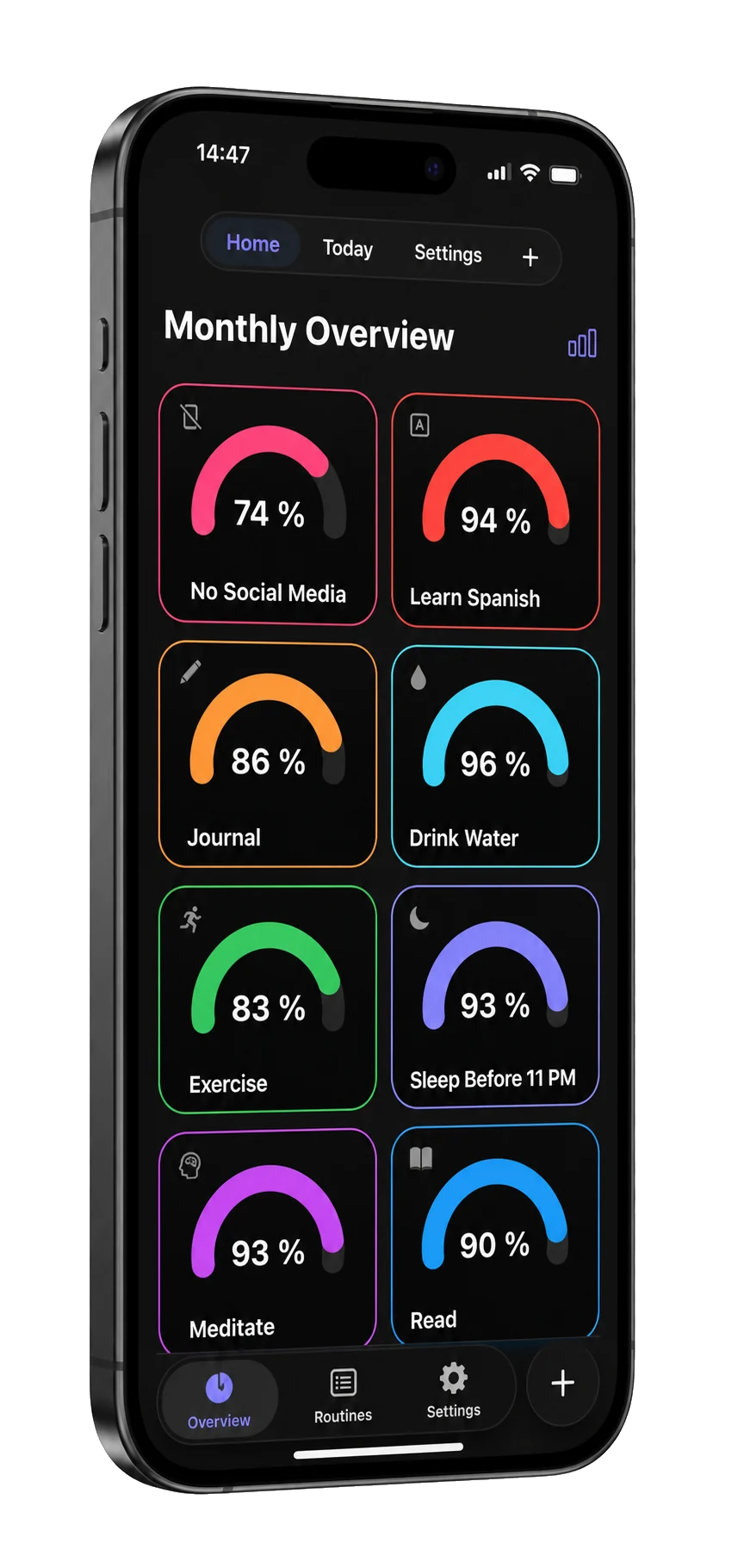
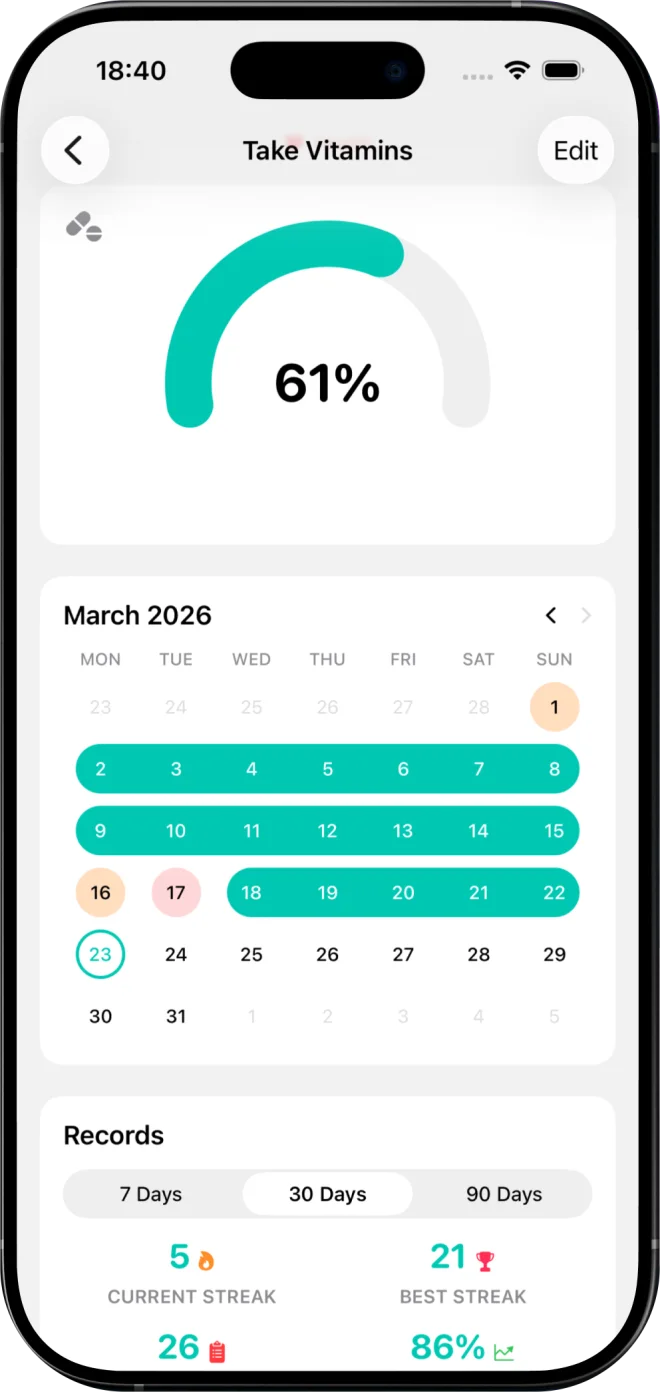
Skip a day and your record stays honest. Done shows your completion rate, recovery rate, consistency score and best days, so you learn your pattern instead of chasing a number.
Your schedule, not a streak’s.
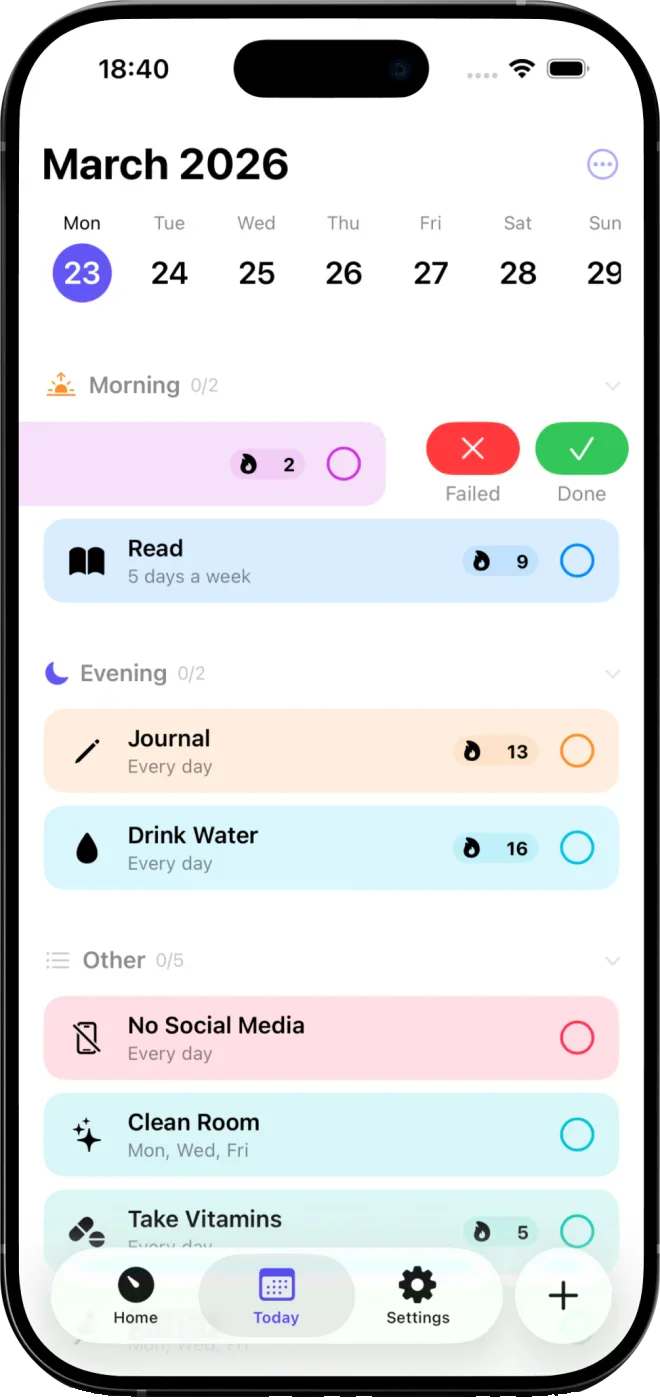
- Three habit types. Yes/No, Duration and Count, from a morning run to glasses of water.
- Flexible days. Pick specific days, or choose “3 times a week, any days”.
- Routines. Group habits into sections like Morning and Evening.
- Done, skipped or failed. Mark any of them straight from the day’s list, so the record says what happened.
- Templates. 27 ready-made habits in Good, Health, Bad and To-Do, or build your own.
Habits Apple Health can complete.
With Lifetime Access, connect a habit to one of these Health values. When the day’s value reaches your goal, the habit completes, and a day you marked yourself stays as you set it. Done only reads from Health; it never writes to it.
Activity
- Steps
- Walking + running distance
- Active energy
- Exercise minutes
- Move time
- Stand time
- Stand hours
- Workouts
Mind and sleep
- Mindful sessions
- Sleep
Everyday care
- Toothbrushing
- Handwashing
- Medication doses
Nutrition
- Water
- Energy consumed
- Caffeine
- Vitamin B12
- Vitamin C
- Vitamin D
Or let a block keep a habit.
With Lifetime Access, a habit can be a Screen Time block: choose the apps, categories or websites to stay out of, all day or inside a window, and Done shields them with a Protected by Done screen while the block runs. Done keeps only the opaque tokens Screen Time hands it and never learns which apps you chose. Stay out of them and the day completes itself; use them past the habit’s limit and the day is marked failed, which is the honest record.
Check in without opening the app.
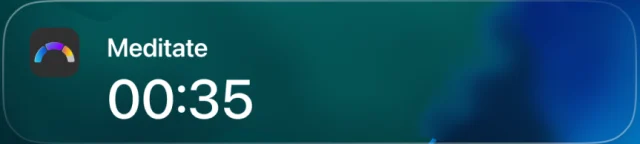
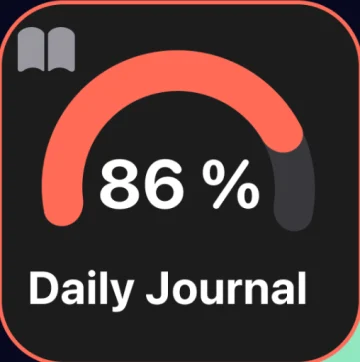
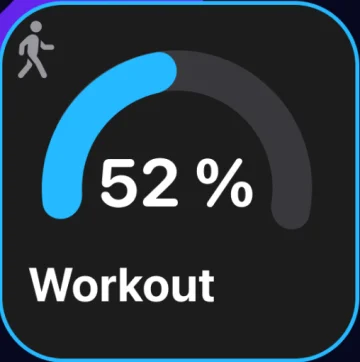
Home Screen widgets in three sizes, a Control Center timer control and a Live Activity for a running timer. With Lifetime Access, check off habits from the medium and large widgets, and complete, snooze or skip a reminder from the notification.
Questions
What’s free, and what does Lifetime Access add?
The free version tracks a limited number of habits, with every habit type and schedule, your statistics, the timer, the small widget and Siri. Lifetime Access removes the habit limit and adds Apple Health, Screen Time blocks, iCloud sync, the medium and large widgets and reminder actions. It’s a one-time purchase with no subscription, and Family Sharing is included.
Which Apple Health data can complete a habit?
Steps, walking and running distance, active energy, exercise minutes, move time, stand time and stand hours, mindful sessions, sleep, toothbrushing, handwashing, medication doses, water, energy consumed, caffeine, vitamins B12, C and D, and workouts. Done reads them on your device and never writes to Health. Apple Health is part of Lifetime Access.
Can a habit block apps?
Yes, with Lifetime Access. Give a habit a Screen Time block: choose apps, categories or websites, all day or inside a window, and Done shields them while the block runs. Done stores only Apple’s opaque Screen Time tokens, never the app names. Use the blocked apps past the habit’s limit and the day is marked failed; reach the end of the window without doing so and it completes itself. Marking the day yourself always works.
Can I log a habit from outside the app?
Yes. Ask Siri, for example “Mark Read as done in Done” or “Start Meditate timer in Done”, then pause or resume a running timer from Control Center and follow it in a Live Activity. With Lifetime Access you can also check off habits from the medium and large widgets and from reminder notifications.
Does Done count streaks?
It records your current and best streak as information, beside your completion rate, recovery rate and consistency score. A missed day never erases your history, and you can mark a day skipped or failed so the record stays honest.
Where are my habits stored?
On your device, with no account to create. With Lifetime Access, iCloud sync keeps your iPhone and iPad in step through your own iCloud. Export everything as JSON or CSV whenever you like, free. Done has no ads, analytics or tracking.
Availability
Start free with a limited number of habits, every habit type and schedule. Lifetime Access adds unlimited habits, iCloud sync, Apple Health, Screen Time blocks and every widget.
- Devices
- iPhone · iPad
- Download
- Free to download
- Purchase options
- Lifetime Access · One-time purchase · No subscription
Prices vary by country; the App Store shows your local price.
Done support and purchase help
Designed and built by Daniel, an independent Apple developer. Every release is listed in the changelog.