Calendar events that ring like an alarm.
Unmissable turns the calendar events you choose into real iPhone alarms, at the start time or a few minutes before. Unlike a calendar notification, an alarm sounds even in Silent mode or a Focus.

-
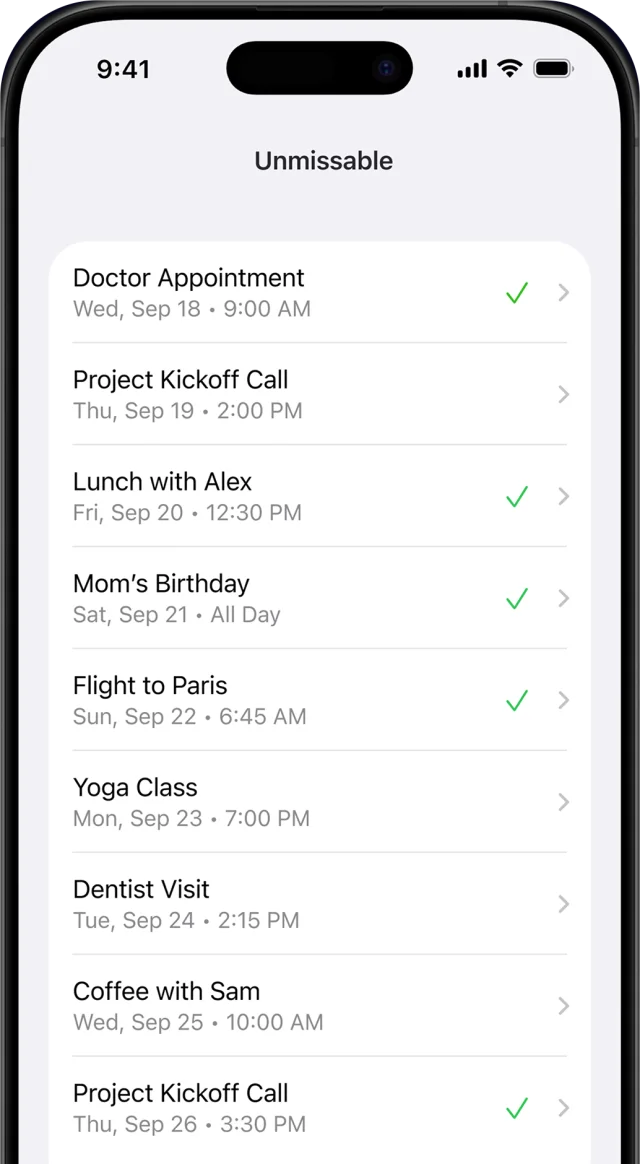
1 Pick an event
-
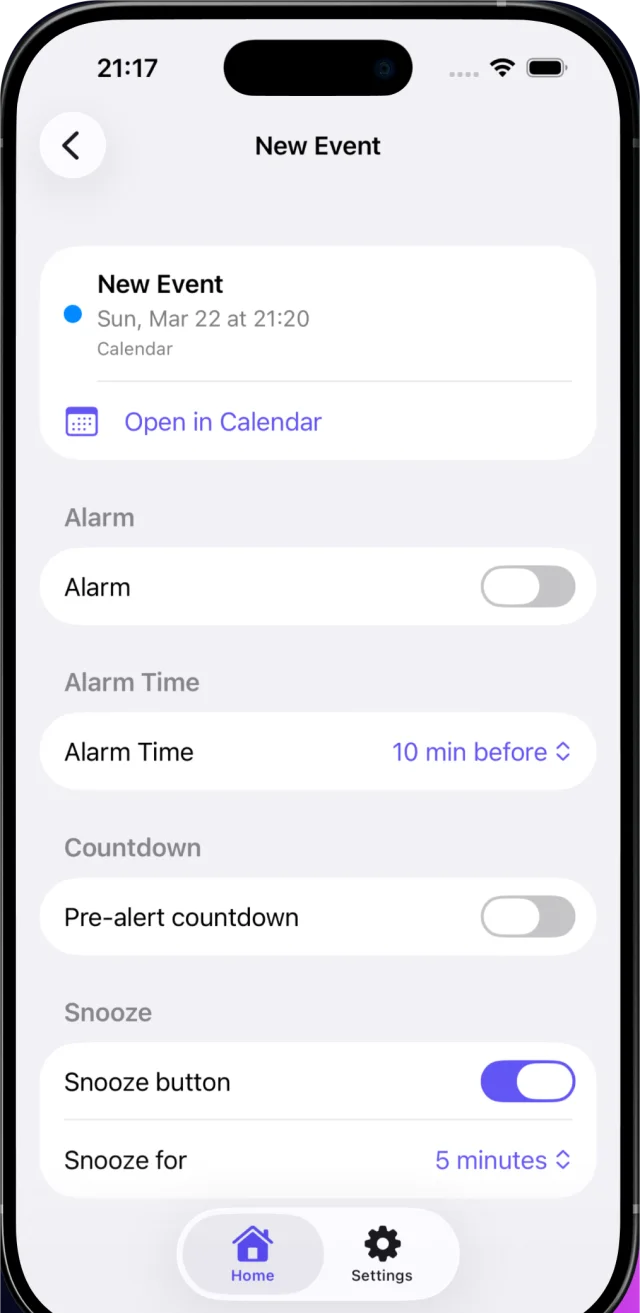
2 Choose how early
-
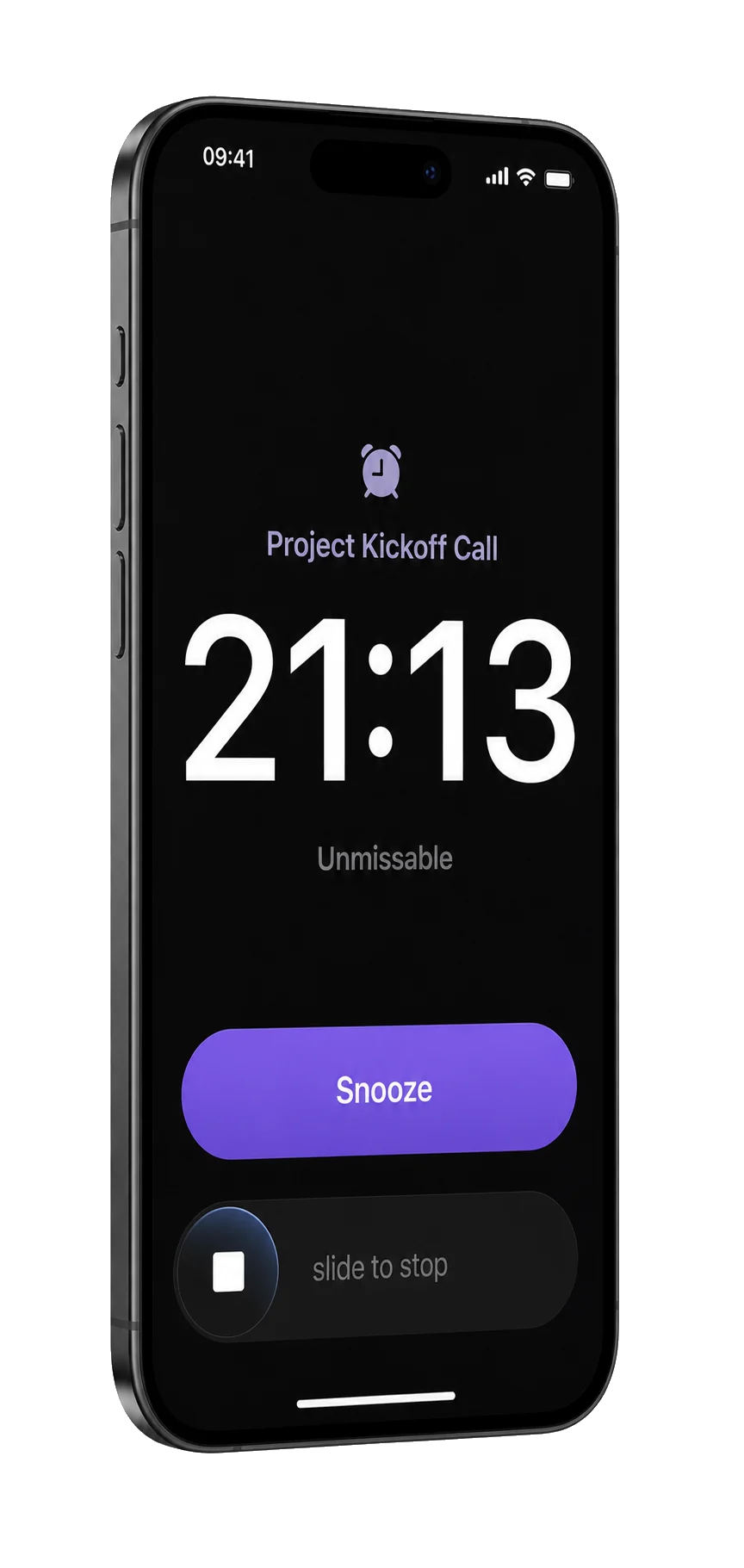
3 It rings
At a glance
- Devices
- iPhone
- Requires
- iOS 26 or later
- Price
- Free download · Lifetime Access $19.99 · One-time purchase · No subscriptionUS App Store price, checked October 11, 2026 · Family Sharing included
- Free version
- One active alarm
- Languages
- 44
- Your data
- On this iPhone, with no account and no cloud sync. It goes online only for update checks and feedback you choose to send.
- Version
- 26.1.1 · updated
Works with
- Home Screen widgets
- Lock Screen widgets
- Live Activities
- Siri & Shortcuts
The Home Screen and Lock Screen widgets come with Lifetime Access. Siri phrases are in English.
Ask Siri: Review my next alarm in Unmissable
· Open my next alarm in Unmissable
Visible before it rings.
A Live Activity counts down on the Lock Screen, the Dynamic Island shows the alarm, and Lock Screen and Home Screen widgets keep the next one in view.
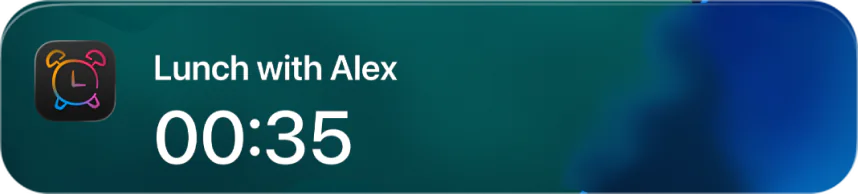
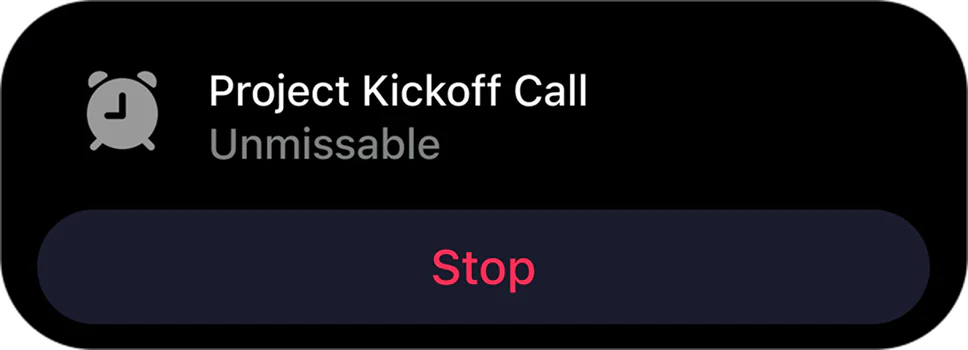
An alarm, not another notification.
| Calendar notification | Unmissable alarm | |
|---|---|---|
| Silent mode is on | Its sound is muted | Still rings |
| A Focus is on | Can be held back | Breaks through |
| Before the time | No countdown | Optional Lock Screen countdown |
Unmissable schedules each alarm with Apple’s AlarmKit. Apple describes the alert as breaking through Silent mode and the current Focus, with Stop and an optional Snooze, and it also appears in StandBy and on a paired Apple Watch. Apple’s AlarmKit session
Set it once. Override when it matters.
- Your calendars
- iCloud, Google, Outlook and any calendar added to your iPhone.
- Auto-arm
- Turn it on to add alarms to upcoming events in the calendars you choose, or only to events you’re part of. The free version keeps one alarm active.
- Smart defaults
- Ring at the start time, or 1, 2, 3, 5, 10, 15 or 30 minutes before. Snooze for 3, 5 or 10 minutes, and add a 3, 5 or 10-minute countdown before the ring. Set them once, then change them for a single event.
- Private
- No account, no tracking, no cloud sync. Calendar and alarm data stay on your device.
Questions
How is an alarm different from a calendar notification?
Silent mode mutes a notification’s sound, and a Focus can hold it back. An alarm scheduled with Apple’s AlarmKit breaks through Silent mode and the current Focus, lets you stop or snooze it, and also appears on a paired Apple Watch.
Which calendars does it work with?
Any calendar on your iPhone, including iCloud, Google and Outlook calendars added to the Calendar app. You choose which ones Unmissable uses.
What about all-day events?
You choose in Settings: a morning alarm at 9:00 on the day, or no alarms for all-day events at all.
Does it ring if the app is closed?
Yes. Each alarm is handed to iOS through AlarmKit, which rings it the way a Clock alarm rings, so Unmissable doesn’t need to be open. It uses the system alarm sound; there is no sound picker in this version.
What if the event is in another time zone?
A timed event with a fixed time zone keeps its exact moment, so the alarm rings at that moment wherever you are. All-day events, and events your calendar keeps in floating local time, follow the local time of the day you are in.
Does it work with repeating events?
Yes. Unmissable keeps alarms on the next four occurrences of a repeating event and adds more as they pass. If an event moves, its alarm moves with it; if the event is deleted, the alarm goes too.
What’s free, and which iPhone do I need?
Unmissable runs on iPhone with iOS 26 or later; the App Store also lists it for iPad, where it runs as an iPhone app. One active alarm at a time is free: once it has rung or you turn it off, you can arm the next. Lifetime Access, a one-time purchase with no subscription, adds unlimited alarms, the widgets, alarm history and weekly stats. Family Sharing is included.
Can Siri or a Shortcut arm an alarm?
No. Siri can review or open your next alarm, and that is all it does; arming stays a tap in the app or a job for Auto-arm, so nothing arms an alarm without you.
Does it need an account or the internet?
No account. Calendar and alarm data stay on your iPhone, with no cloud sync. Unmissable goes online only to check for updates and to send feedback you choose to send.
Availability
One active alarm is free. Lifetime Access adds unlimited alarms, widgets, alarm history and weekly stats, with Family Sharing.
- Devices
- iPhone
- Download
- Free to download
- Purchase options
- Lifetime Access · One-time purchase · No subscription
Prices vary by country; the App Store shows your local price.
Unmissable support and purchase help
Designed and built by Daniel, an independent Apple developer. Every release is listed in the changelog.