Check a used iPhone before you buy it.
iCheckup is a guided hardware check for a used iPhone or iPad. Its report labels every result by its source and says what no app can verify.

Every check is free · No ads · Lifetime Access is a one-time purchase · No subscription
Eight areas, one guided checkup.
- 01 Display & touch
- 02 Cameras
- 03 Audio
- 04 Sensors

- 05 Battery level & charging
- 06 Connectivity
- 07 Device details
- 08 Ownership status, confirmed by you
One movement at a time.
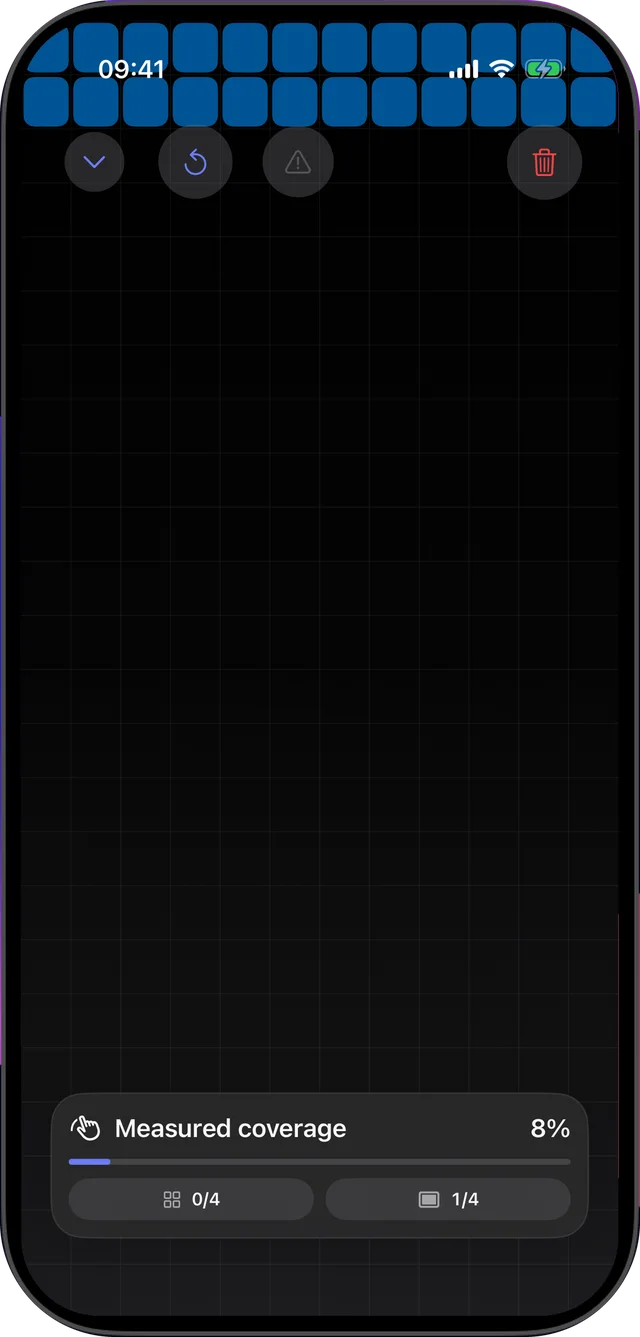
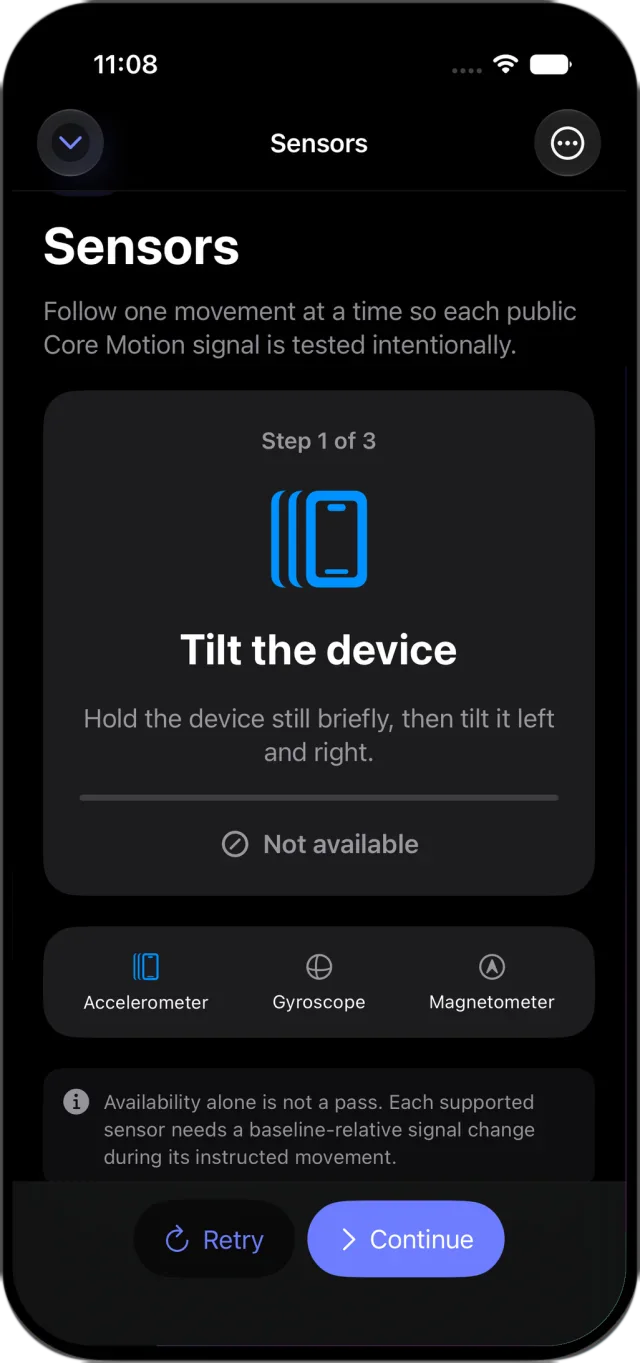
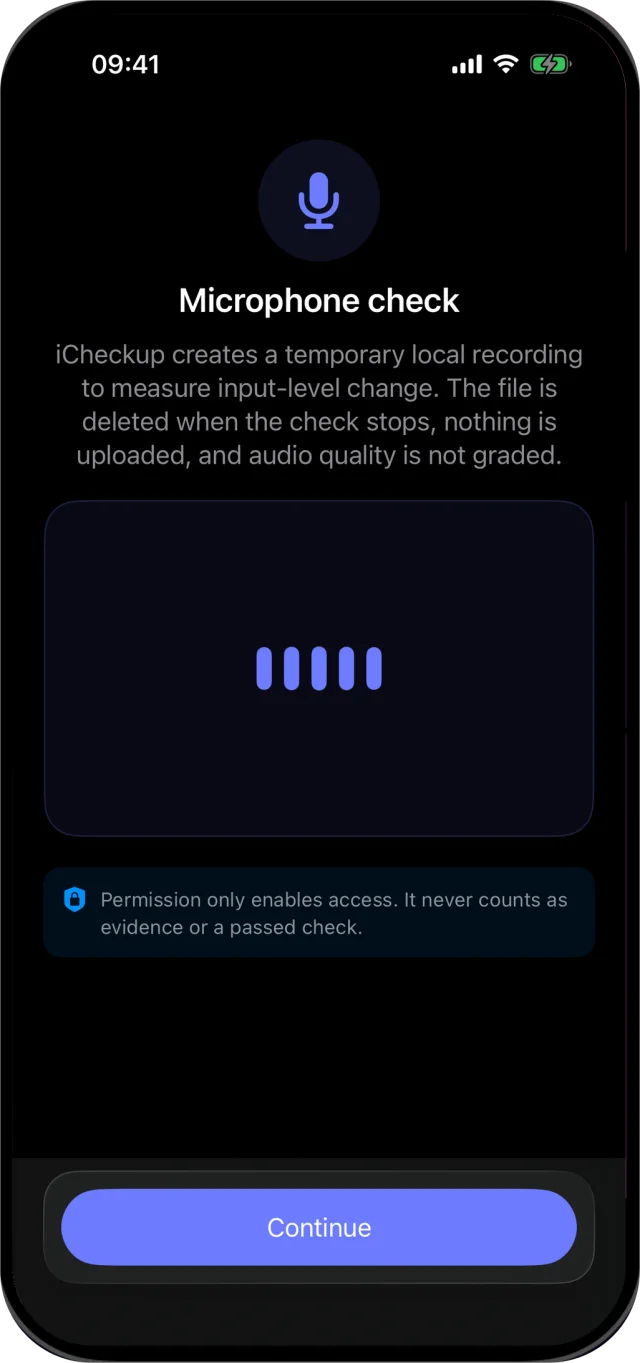
Each check tells you exactly what to do: sweep every cell of the display, or tilt the device for the motion sensors. Availability alone is never a pass, and granting a permission never counts as evidence. Microphone recordings are temporary, measured on the device and deleted when the check stops.
Put the phone down and the run waits. An interrupted checkup resumes without marking unfinished work complete, and starting a new one asks before replacing your progress.
Every result keeps its source.
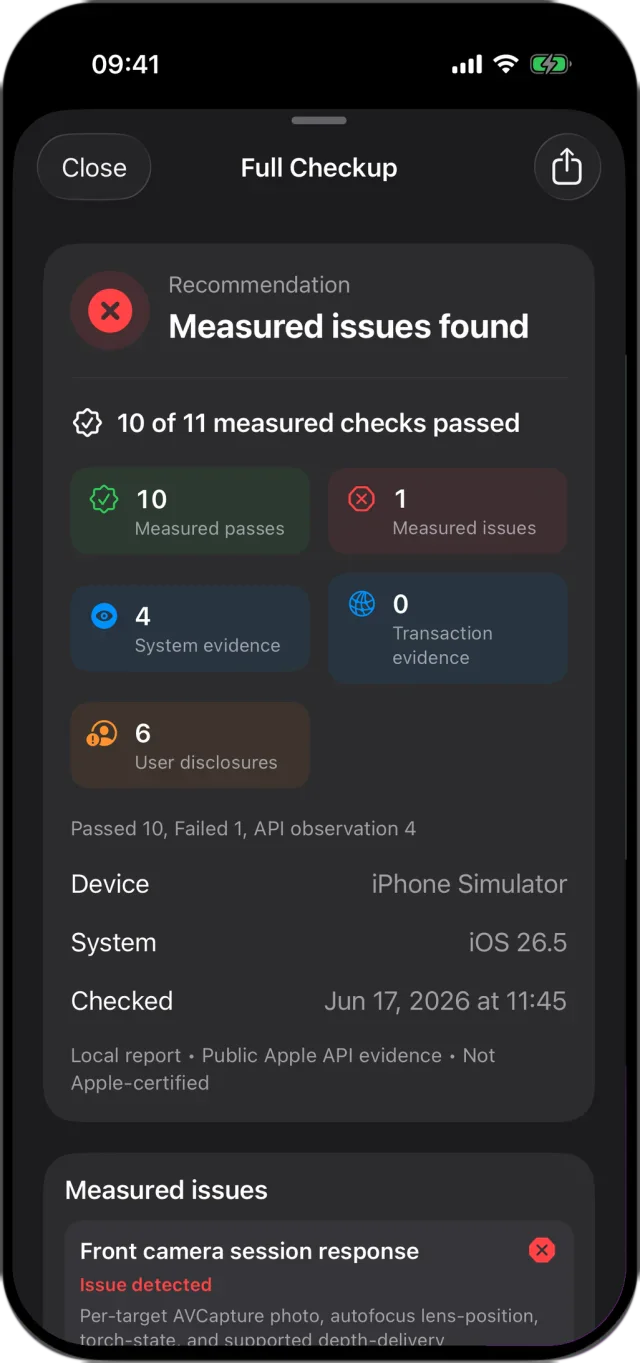
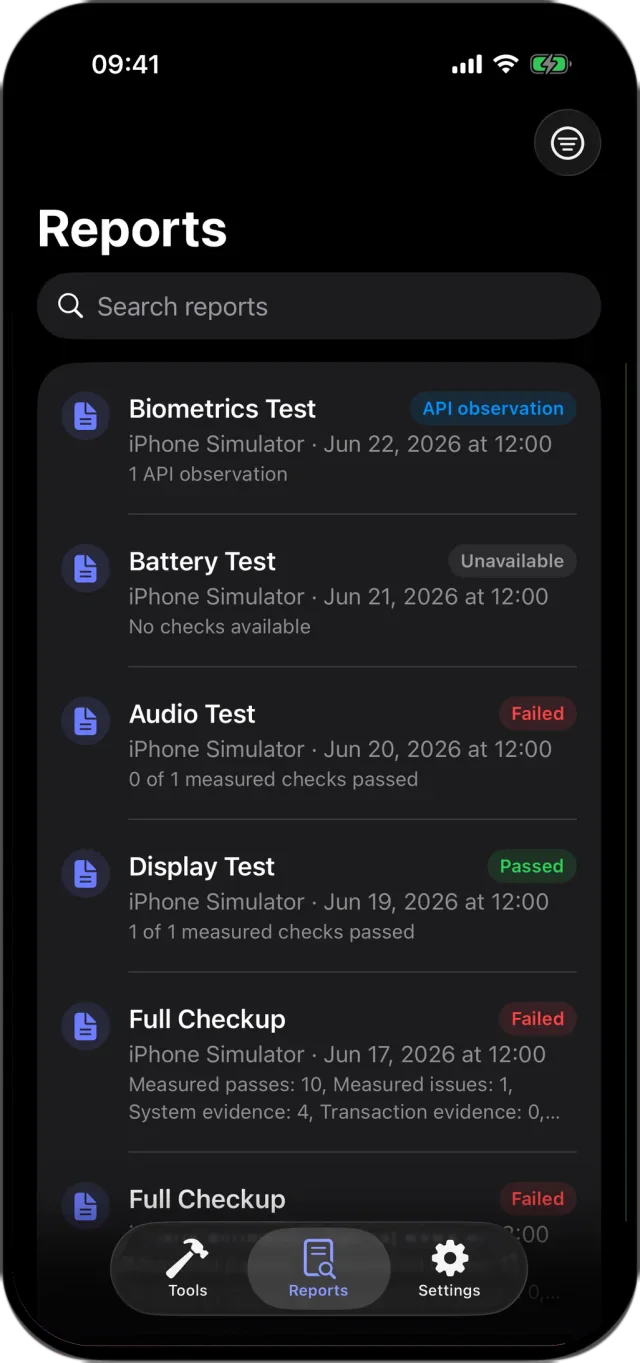
There is no letter grade. A report gives a recommendation, the number of measured checks that passed, and a line for every result labelled by where it came from. Missing evidence never becomes a pass.
- Measured by the app
- Read from the device
- You confirm
Measured by the app
- Touch: you sweep every cell of a grid across the display.
- Cameras: the front and rear cameras each take a photo.
- Microphone: a short recording, measured on the device and deleted.
- Speaker: plays a tone and listens for it through the microphone.
- Motion: the accelerometer, gyroscope and magnetometer respond as you move the device.
- Proximity: the sensor responds when you cover it.
- Charging: the switch to charging is detected when you plug in.
- Network: a request completes over the current connection.
Read from the device
- Model, software version and storage.
- Battery level and charging state.
- Whether Face ID or Touch ID is available. It is not a test of the sensor.
- Network reachability.
- Evidence you import: battery analytics, a Battery settings screenshot read on the device, or an Apple Diagnostics result, each labelled with its source.
You confirm, with guidance
- Screen colour and condition, camera clarity, focus, flash and lenses.
- Buttons, the charging port, SIM or eSIM and cellular service.
- Glass, frame and lens condition, with guided photos.
- Water-damage signs and battery health in Settings.
- Find My, the Apple Account, Activation Lock, the erase plan and Parts and Service History.
What no app can verify.
Activation Lock, Find My, the seller’s Apple Account, battery health, carrier lock and where parts came from. Check those on the device with Apple’s guides: If you want to buy a preowned iPhone and iPhone Parts and Service History.
iCheckup is not an Apple assessment, parts-origin verification or guarantee of future hardware health. It uses only public iOS and iPadOS APIs and tells you when something is not available to third‑party apps.
For what Apple keeps to itself, iCheckup can hand off to Apple’s own diagnostics mode in the middle of a checkup. Apple offers that mode on iPhone 14 and later and on recent iPads, over Wi-Fi. iCheckup saves the run, opens Apple’s instructions and resumes afterwards, and you can import the result screenshot, read on the device, as evidence labelled with its source. It cannot start Apple’s diagnostics, read the private result or turn it into a pass.
Step-by-step guide: how to check a used iPhone before buying
At a glance
- Devices
- iPhone · iPad
- Requires
- iOS 18 and iPadOS 18 or later
- Price
- Free download · Lifetime Access $14.99 · One-time purchase · No subscriptionUS App Store price, checked October 10, 2026 · Family Sharing included
- Free version
- Every check and import, with the latest report
- Languages
- 44
- Your data
- Reports stay on this device unless you share them. No account and no iCloud.
- Version
- 26.0.1 · updated
Works with
- Siri & Shortcuts
- Live Activities
Ask Siri: Start a checkup with iCheckup
· Resume my checkup in iCheckup
· Retest my iPhone with iCheckup
Questions
Can iCheckup tell if an iPhone is Activation Locked or stolen?
No. Apple doesn’t give apps access to Activation Lock, Find My or the Apple Account. Before you pay, follow Apple’s guide for buying a preowned iPhone: make sure the seller has turned off Find My, signed out and erased the device.
Can it test Face ID?
It reports whether Face ID or Touch ID is available on the device. To confirm the sensor works, set it up on the device during your check.
Does it read battery health?
Apps can’t read battery health directly. You can import a screenshot of Battery settings or battery analytics; iCheckup reads it on the device and keeps it labelled as evidence from the system.
What does Lifetime Access add?
Seller-ready PDF and Markdown reports, report history, linked retests and notes. Every check stays free. Lifetime Access is a one-time purchase with no subscription, and Family Sharing is included.
Is iCheckup Apple Diagnostics?
No, and every report says so. On supported devices it can hand you off to Apple’s diagnostics mode in the middle of a checkup, resume afterwards, and import the result screenshot as evidence labelled with its source. It cannot start Apple’s diagnostics, read the private result or turn it into a pass.
Can I use it when selling my iPhone?
Yes. Run the checkup on the device you are selling and share the text summary, free. Lifetime Access adds seller-ready PDF and Markdown reports, report history, linked retests and notes.
Can it check the IMEI or carrier lock?
No app can. Both are on the device under Settings › General › About: the IMEI, and whether the iPhone is carrier locked. If your country has a lost-or-stolen phone register, check the IMEI there before you pay.
Does it work on iPad?
Yes. iCheckup runs on iPhone and iPad with iOS 18 or iPadOS 18 or later, and checks what the device has. A camera or sensor the device lacks is reported as not available, never as a failure.
Are my reports uploaded?
No. Reports stay on this device unless you share them. The network is used only for the connectivity check and for feedback you choose to send.
Check it before you pay.
Every check is free, with the latest report. Run it before the money changes hands.
Pairs well with
Scan the receipt and any repair invoice into a private PDF to keep with the checkup report.
Availability
- Devices
- iPhone · iPad
- Download
- Free to download
- Purchase options
- Lifetime Access · One-time purchase · No subscription
Prices vary by country; the App Store shows your local price.
iCheckup support and purchase help
Designed and built by Daniel, an independent Apple developer. Every release is listed in the changelog.