Find the symbol. Copy the exact name.
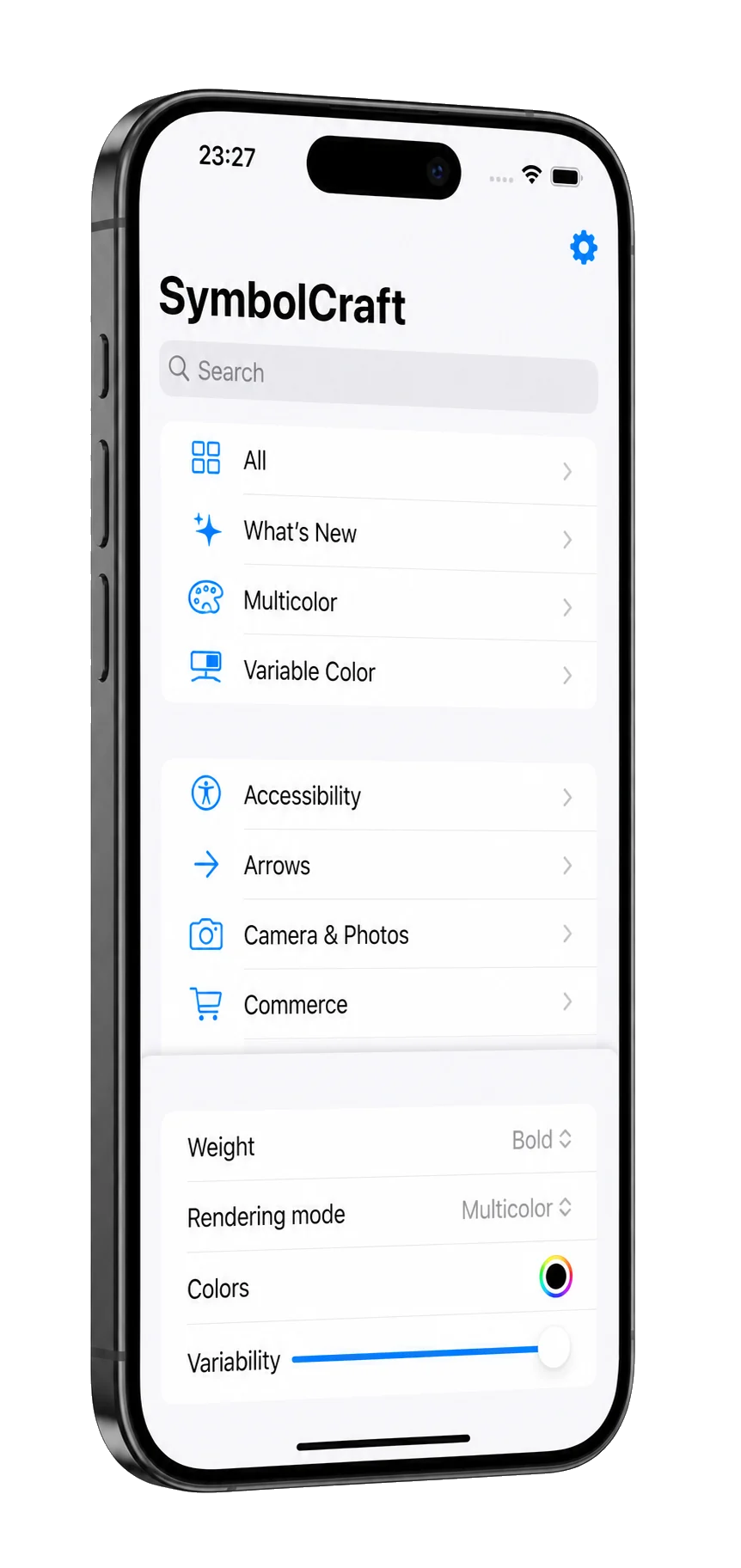
SymbolCraft is an SF Symbols browser for iPhone and iPad that shows developers the iOS version each symbol needs and copies its exact name.

Free to search and copy · Lifetime Access is a one-time purchase · No subscription
The name is the deliverable.
A system image only appears when its name is exact. This is the symbol in the screenshot above, as SymbolCraft’s built-in catalog describes it.
 SymbolCraftSF Symbols catalog
iphone.gen2.slash.circle
- First in
- iOS 16.1 · macOS 13.1 · tvOS 16.1 · watchOS 9.1
- Restriction
- This symbol may not be used to identify a third-party app or product.
- Synonym
- remove
- Code
Image(systemName: "iphone.gen2.slash.circle")
    .foregroundStyle(.blue)
The code is what the Code button copies with the default appearance settings. Change the weight, scale, rendering mode or color and the copied code changes with them.
Search by name or synonym.
The catalog for iOS 26 holds 9,184 symbol names, searched offline together with their synonyms and categories. A badge marks every symbol that needs something newer than iOS 13, an Apple mark flags the restricted ones, and filters narrow the list by iOS version, category or capability.

Check before you ship.
The Appearance tab sets weight, scale, rendering mode and colors, and the code you copy carries them. Two more tabs answer what a name alone can’t.
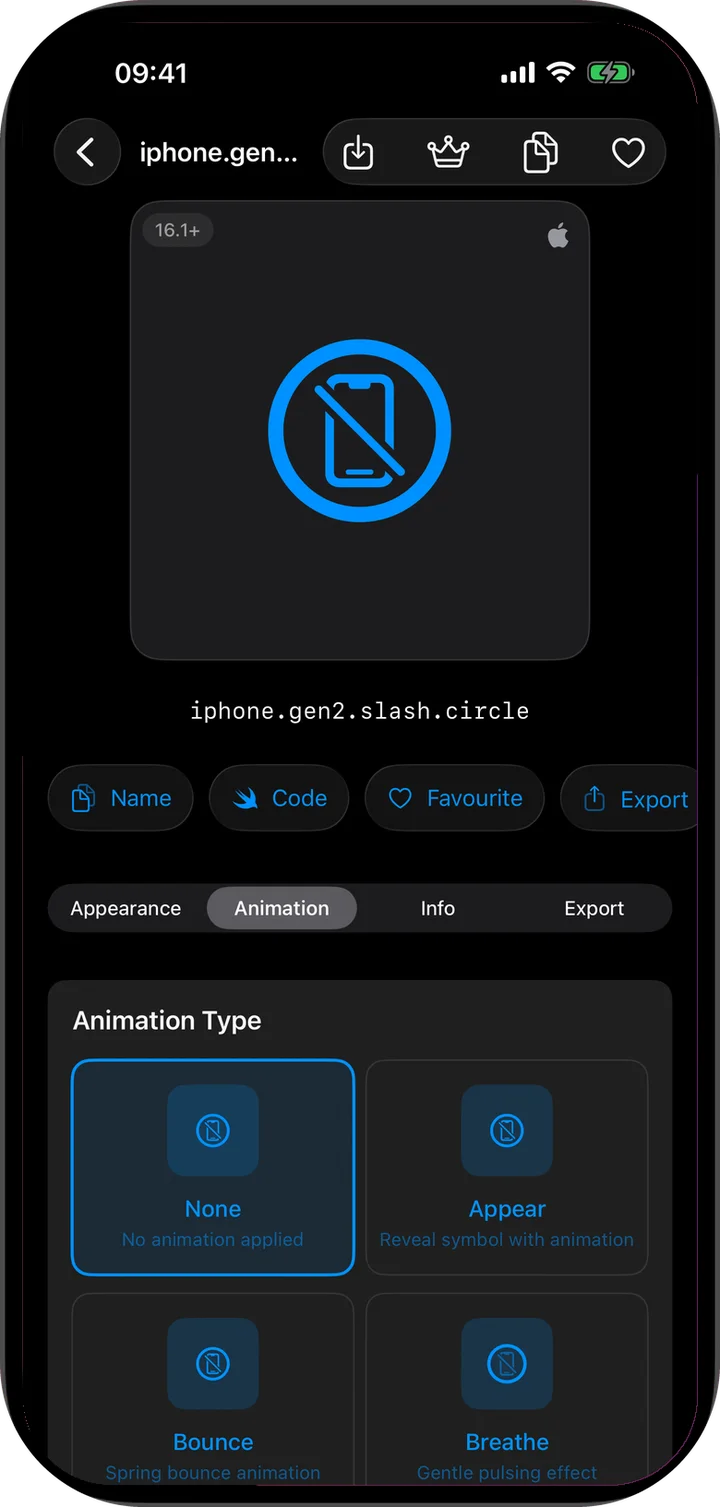
Animation
Try supported symbol effects on your device before you ship them.
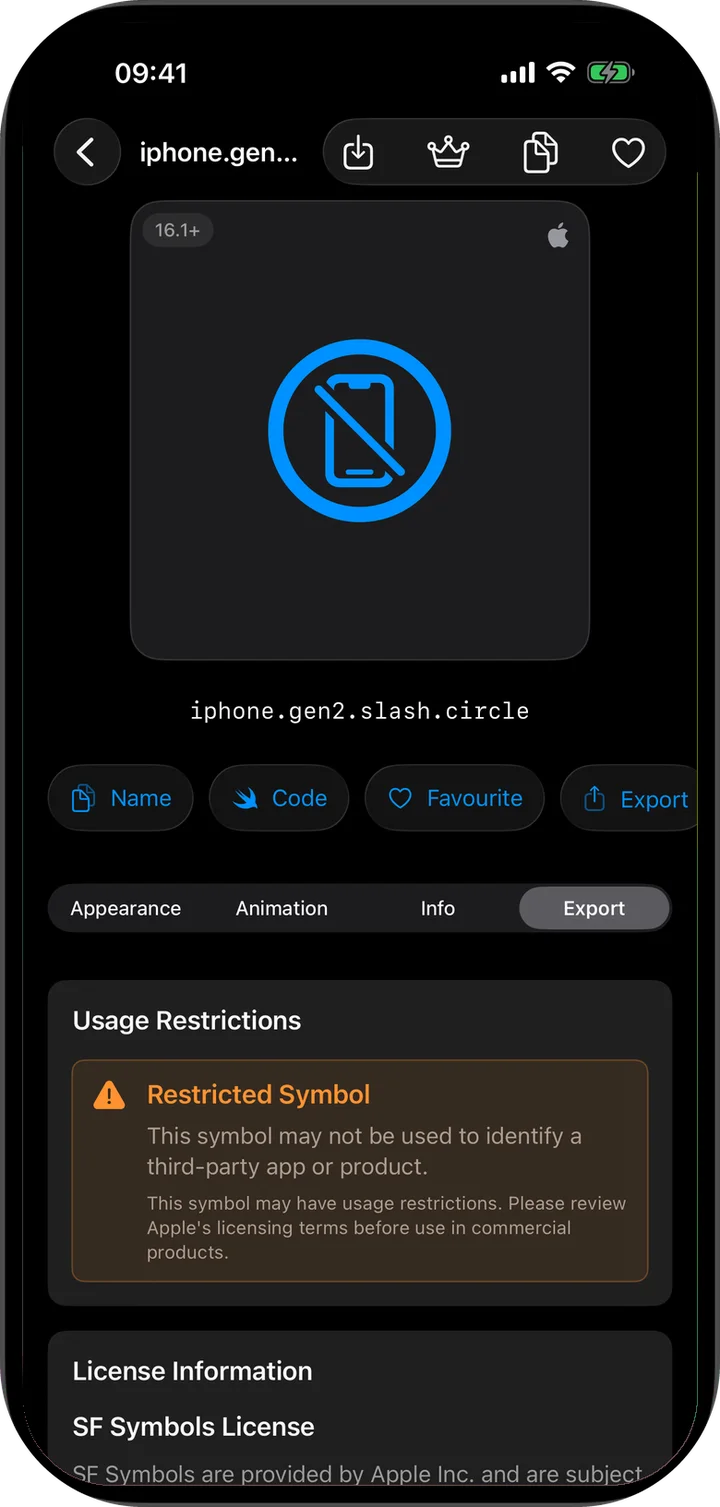
Restrictions
Usage restrictions and license notes stay beside the symbol. Exporting does not lift them.
Copy the name, the code or the image.
- Name
- One tap puts the exact name on the clipboard.
- Code
- SwiftUI code starts with
Image(systemName:)and adds the rendering mode, weight, scale and colors you set. UIKit code builds aUIImage.SymbolConfigurationand callsUIImage(systemName:.withConfiguration:) - Image
- One symbol at a time as PNG or PDF, free. Lifetime Access adds export presets and a contact sheet of each collection.
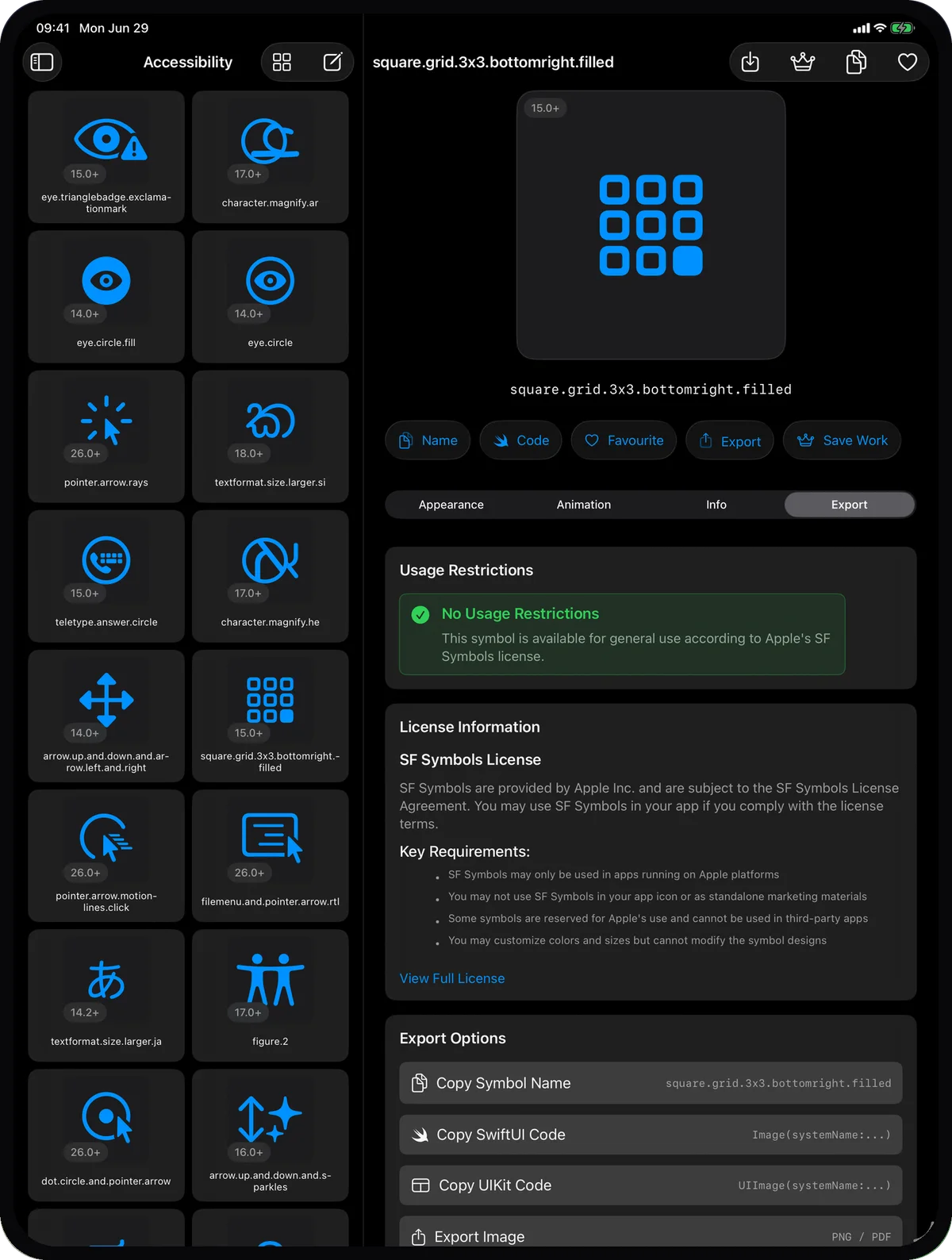
At a glance
- Devices
- iPhone · iPad
- Requires
- iOS 18 and iPadOS 18 or later
- Price
- Free download · Lifetime Access $14.99 · One-time purchase · No subscriptionUS App Store price, checked October 10, 2026 · Family Sharing included
- Free version
- Search, the inspector, favorites, copying, and single PNG or PDF export
- Languages
- 40
- Your data
- The symbol catalog is built into the app and favorites stay on your device. No account, analytics or tracking.
- Version
- 26.0.1 · updated
Works with
- Apple Intelligence on device
SymbolCraft Intelligence comes with Lifetime Access and needs iOS or iPadOS 26 or later with Apple Intelligence turned on.
Questions
How is SymbolCraft different from Apple’s SF Symbols app?
Apple’s SF Symbols is a Mac app for browsing the library and creating custom symbols. SymbolCraft runs on iPhone and iPad, keeps each symbol’s availability and restrictions beside it, and copies its name or SwiftUI and UIKit code. It doesn’t create custom symbols.
How do I see which iOS version a symbol needs?
Open the symbol’s Info tab. It shows the first iOS version the symbol needs and a row with the version for each platform, and it notes that symbol effects need iOS 18 or later. You can also filter the catalog by iOS version.
Why can’t I find a symbol?
The catalog is built into the app and changes only with an app update. On iOS and iPadOS 26 or later it covers symbols through iOS 26; on iOS and iPadOS 18 it shows the iOS 18 set. The symbols Apple added for iOS 27 are not in this version and will arrive with an app update.
Does every symbol show which iOS version it needs?
Yes. Each of the 9,184 names in the iOS 26 catalog carries the first OS version it needs, read from the availability data Apple ships with SF Symbols, and the Info tab shows it for each platform. The grid badge appears on every symbol newer than iOS 13.
What does SymbolCraft Intelligence need?
Lifetime Access, iOS or iPadOS 26 or later, supported hardware and region, Apple Intelligence turned on with its model ready, and a supported language. Regular search stays free.
What is free, and what does Lifetime Access add?
Search, browsing, the inspector, favorites, copying and single PNG or PDF export are free, and the app works offline. Lifetime Access is a one-time purchase that adds project collections with a contact sheet, saved recipes, export presets and SymbolCraft Intelligence. Family Sharing is included.
Keep the catalog in your pocket.
It works offline, with no account and no tracking.
Pairs well with
Tunes the SwiftUI timing curve for the views where your symbols appear, and copies the code.
Prepares your app icon set on the same iPhone or iPad, while SymbolCraft covers the symbols inside the app.

Availability
- Devices
- iPhone · iPad
- Download
- Free to download
- Purchase options
- Lifetime Access · One-time purchase · No subscription
Prices vary by country; the App Store shows your local price.
SymbolCraft support and purchase help
Designed and built by Daniel, an independent Apple developer. Every release is listed in the changelog.