SmartQR makes QR codes on iPhone and iPad for links, Wi‑Fi, contacts, events and more, styled with your colors, patterns and logo. Static codes are free, with no account and no expiry; SmartQR Pro adds dynamic Smart Links and scan counts.
At a glance
Devices
iPhone · iPad
Requires
iOS 18 and iPadOS 18 or later
Price
Free download · Optional SmartQR Pro subscription: $4.99 a week, $14.99 a month or $79.99 a yearUS App Store price, checked October 10, 2026 · Family Sharing included
Free version
Static codes of every type, the scanner, PNG export and the QR Code widget
Languages
44
Your data
Your QR library stays on your device, with iCloud sync for SmartQR Pro. Firebase is used only for Pro Smart Links and scan counts. No ads or tracking.
Version
26.0.3 · updated
Works with
Siri & Shortcuts
Home Screen widgets
Spotlight
The QR Code widget, Siri and Spotlight are free. The scan statistics widgets, and asking Siri for scan stats, need SmartQR Pro.
Ask Siri: Create a QR code with SmartQR · Scan a QR code with SmartQR
Two kinds of code. Know which one you print.
Free
Static
The destination is inside the code itself. Create them on your device and export them as PNG. No account, no trial, no scan limit and nothing that expires.
URL
Text
Wi‑Fi
Email
Contact
Phone
SMS
Location
Event
App Store
WhatsApp
YouTube
LinkedIn
Social profile
Business card
Cannot be edited remotely once printed.
SmartQR Pro
Smart Link
A dynamic code: an online redirect for web-link codes. Change where it points after it is on a menu, a business card or a poster, and see how often it is scanned.
Destination can change after sharing.
Count the scans, not the people.
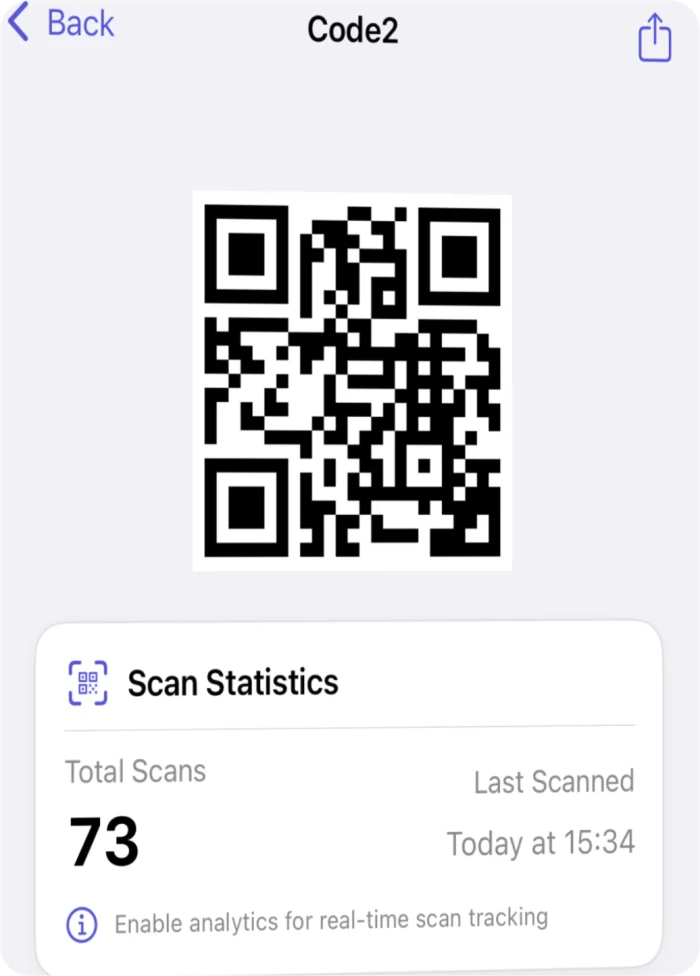
For codes with analytics turned on, SmartQR shows the total number of scans and the time of the latest scan, and marks the milestones at 1, 25, 100, 500, 1,000 and 5,000 scans. The Scan Stats widget keeps the total on your Home Screen. Export a PDF or CSV report to share the results.
Counts
Total scans and the time of the latest scan
Never records
Who scanned, where, or on what device
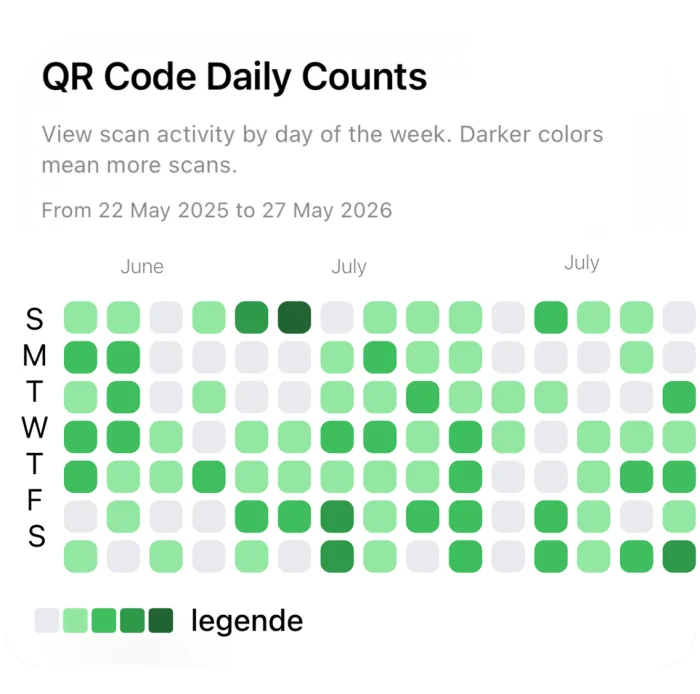
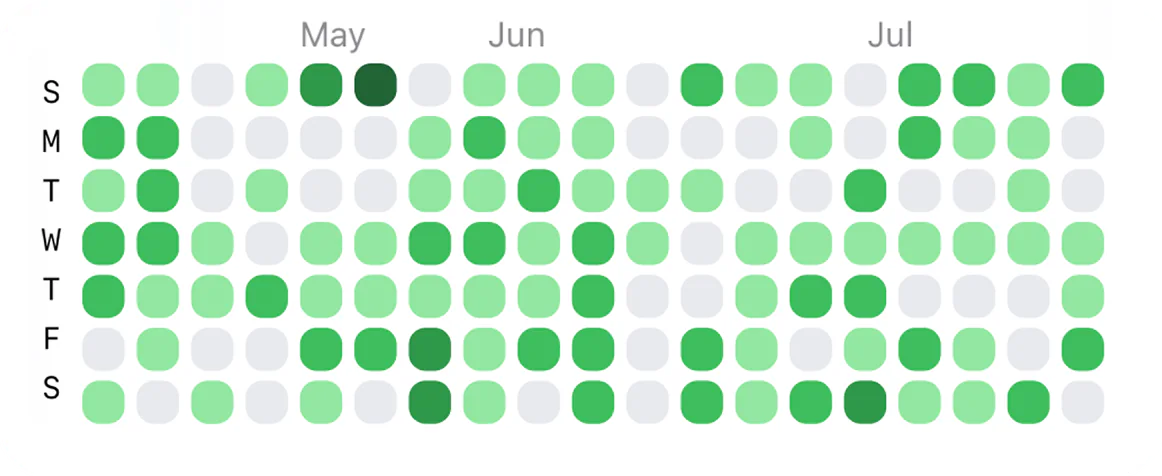
Scan statistics · demonstration codeDaily Counts widget · demonstration data; scans are counted as totals, not by day
Local first.
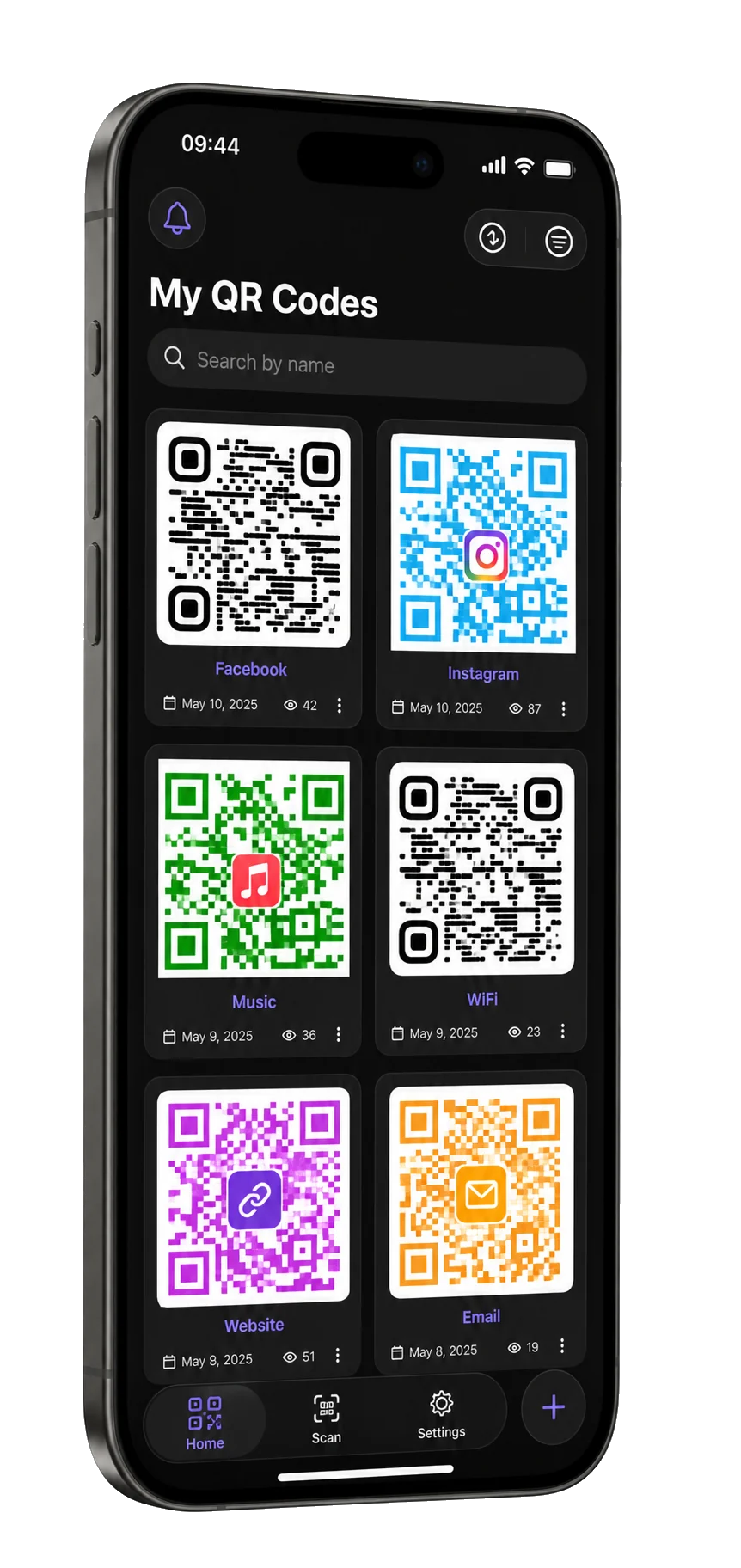
Your QR library and designs stay on your device, filtered by code type and sorted the way you like. Online features switch on only when a SmartQR Pro tool needs them, and iCloud sync with SmartQR Pro keeps iPhone and iPad together.
Heatmap widget · demonstration data; scans are counted as totals, not by day
A logo that still scans.
Pick one of 64 symbols or 68 brand marks from the library, or use your own image. Logo Size runs from 10 to 28 percent of the code, and SmartQR raises the error correction with it: level M up to 18 percent, level Q up to 25, level H above that.
Then it decodes the result as you edit and marks it Scan Verified. If it can’t decode a design, it won’t save or share it, and Reduce Logo steps back to the last size that scanned.
Questions
What happens to my printed codes if I cancel SmartQR Pro?
Static codes keep working as long as their destination does, because the link is inside the code. Smart Links and tracked codes stop redirecting when SmartQR Pro ends, and the app turns them back into static codes you can reprint.
Is there a free trial?
No. Static codes are free, with no account, no trial and no expiry date. SmartQR Pro has no trial period either: it starts when you subscribe, and you can cancel it any time in Settings.
Is there a scan limit?
No. A static code never contacts a server, so nothing can count it out. A Smart Link is not switched off for being scanned often: each scan is one redirect and one added count. It stops only when SmartQR Pro ends, and then the app turns it back into a static code.
Does SmartQR see who scanned my code?
No. It counts scans and keeps the time of the latest one. It doesn’t record a scanner’s location, IP address or device, and it builds no visitor profiles.
Can I change where a printed code points?
Yes, with SmartQR Pro, for web-link codes made as Smart Links: change the destination and the printed code follows it. A static code can’t change once it is printed.
Which codes should be Smart Links?
The ones you print and may need to change: menus, posters, packaging and event signage. Wi‑Fi, contact and business-card codes usually stay static, because their content rarely changes and a static code never depends on a server.
Will my logo break the code?
SmartQR reads back each design as you edit it. If it can’t decode the code, it won’t save or share it until you adjust the logo size, colors or contrast; Reduce Logo sets the logo back to the last size that scanned.
What does SmartQR Pro add besides Smart Links?
Scan analytics with PDF and CSV reports, the scan statistics widgets and notifications, 15 more patterns beyond Classic, Dots and Pixel, eye styles beyond square and circle, the brand logo library and the symbols past the first 12, 2048 px PNG plus PDF and SVG export, the print templates (business card, table tent, flyer, product label and event badge), batch generation, scan history in the scanner and iCloud sync.
How do I cancel SmartQR Pro?
Subscriptions are managed through your Apple Account. Open Settings on your iPhone, tap your name, then Subscriptions.
Put the same web links on NFC tags with Smart NFC: an iPhone XS or later opens them with a tap.
Availability
Static codes of every type, the scanner, PNG export and the QR Code widget are free. SmartQR Pro is a weekly, monthly or annual auto-renewing subscription with no trial period. It adds Smart Links, scan analytics and reports, the scan statistics widgets, advanced patterns and logos, print templates, PDF and SVG export and optional iCloud sync.
Devices
iPhone · iPad
Download
Free to download
Purchase options
Optional subscription
Prices vary by country; the App Store shows your local price.